
How to fix distorted sound on bluetooth speaker usually comes down to a small handful of causes: the speaker is being pushed too hard, the Bluetooth connection is unstable, the audio source is “hot” because of EQ or volume normalization, or the hardware has a physical issue like debris, moisture, or a failing battery. The good news is you can often narrow it down in 10 minutes without any special tools.
If you’ve ever heard crackling on bass hits, fuzzy vocals, or a “tearing” sound when you turn it up, that’s distortion, and it’s not just annoying, it can also stress the speaker driver over time. Many people keep cranking volume or swapping apps, but the real fix is usually one setting change or one simple reset.
This guide focuses on practical troubleshooting for common Bluetooth speakers used in the U.S., from pocket speakers to larger party models. You’ll get a quick diagnosis checklist, a table of symptoms vs. causes, and fixes you can try in order, so you stop guessing and start hearing clean sound again.
What “distorted sound” usually means (and why it happens)
Distortion is a broad label people use for a few different problems, and the fix depends on which one you actually have.
- Clipping: volume is too high somewhere (phone, app, or speaker amp), so the signal “flat-tops” and sounds harsh, especially on bass.
- Buzzing/rattling: something vibrates physically, sometimes a loose grille, a damaged driver, or even the speaker sitting on a hollow surface.
- Crackling/dropouts: wireless interference, weak Bluetooth link, or power/battery instability.
- Muddy/warbly audio: heavy EQ, loudness features, low-quality stream, or a codec/compatibility quirk.
According to Federal Communications Commission (FCC), many everyday devices share unlicensed spectrum (including the 2.4 GHz band used by Bluetooth), which is why interference can be very real in apartments, offices, and dense neighborhoods.
Quick self-check: isolate the source in under 10 minutes
Before changing a bunch of settings, try a controlled test. You’re looking for a pattern: does distortion follow the speaker, the phone, or the room?
- Try a different source device (another phone/tablet/laptop). If it’s clean on Device B, your original device settings are the likely culprit.
- Try a different app (YouTube, Spotify, Apple Music, a local file). If only one app distorts, check that app’s EQ and volume settings.
- Try a different track. Some songs are mastered “hot” and will distort earlier, especially with bass boost.
- Move 6–10 feet closer and remove obstacles. If it improves, you’re chasing signal quality, not the speaker driver.
- Change placement: put the speaker on a solid surface, not a thin shelf or hollow box. Rattles can mimic distortion.
Key takeaway: If distortion only happens at high volume, suspect clipping or a struggling battery. If it happens randomly at any volume, suspect interference or a flaky connection.
Symptom-to-cause table (so you stop guessing)
Use this as a quick map. It’s not perfect for every model, but it matches what people run into most often.
| What you hear | Most likely cause | First fix to try |
|---|---|---|
| Harsh crackle when bass hits | Clipping from volume/EQ boost | Lower phone volume to ~70–85%, reduce bass/EQ |
| Buzzing or rattling even at moderate volume | Loose panel/grille, surface vibration, damaged driver | Move speaker to solid surface, inspect grille |
| Audio “tears” only when battery is low | Battery sag, power limiters engaging | Charge fully, test while plugged in |
| Crackling + brief dropouts | Bluetooth interference or distance | Move closer, turn off nearby 2.4 GHz devices |
| Muffled/warbly sound across songs | Wrong EQ, low stream quality, “voice” mode | Disable audio enhancements, set streaming to high |
Fixes that solve most distortion issues (in a sensible order)
When people ask how to fix distorted sound on bluetooth speaker, they often jump straight to “my speaker is blown.” Sometimes it is, but many cases are settings and signal.
1) Reset the volume gain staging (this matters more than people think)
Distortion often happens because multiple volume controls stack together.
- Set your phone volume to 70–85%, then adjust loudness using the speaker’s buttons.
- Turn off EQ, Bass Boost, and any “Loudness” or “Enhancer” effects temporarily.
- If your speaker has a party mode or outdoor mode, disable it for testing, some modes push low-end harder.
If sound cleans up immediately, you don’t need a repair, you just found the clipping point.
2) Improve Bluetooth link quality
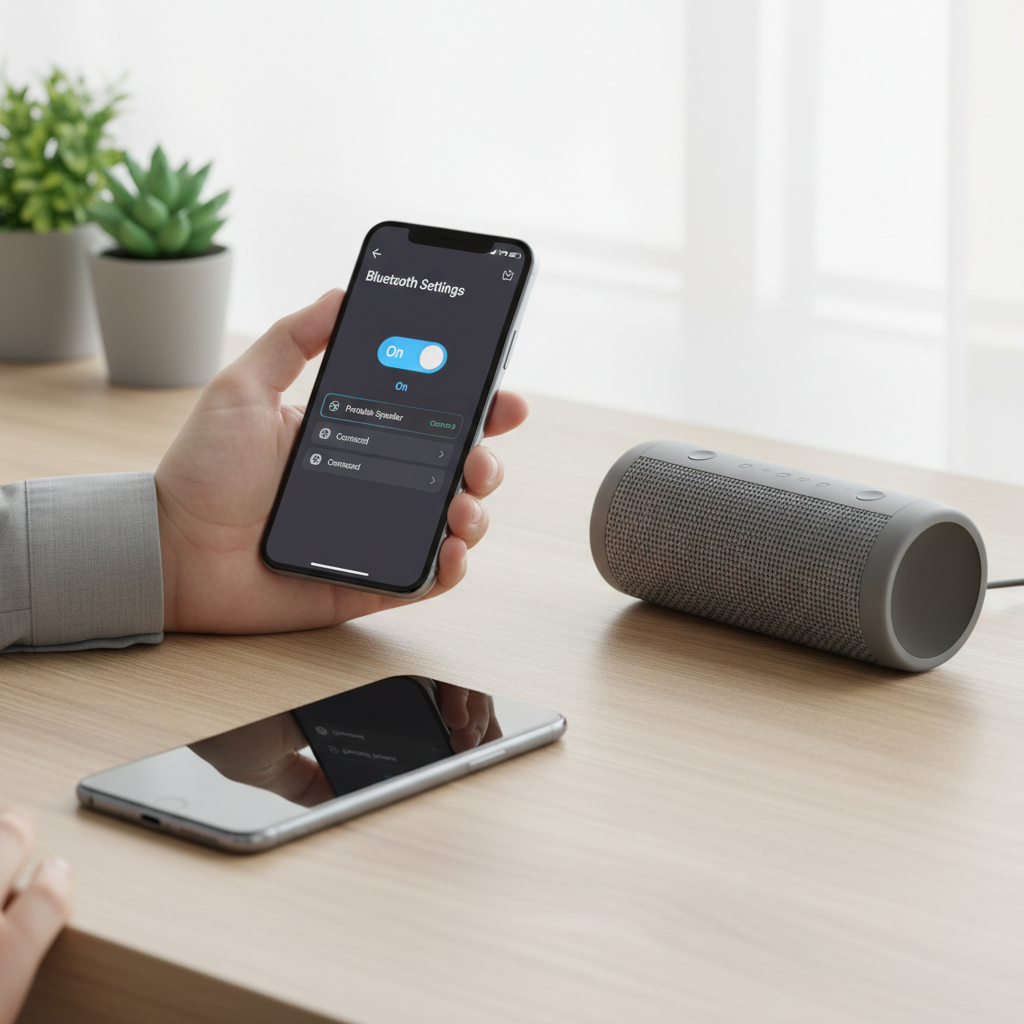
- Forget the speaker in Bluetooth settings, then re-pair.
- Keep the speaker within the same room for testing, and avoid placing it behind a TV or inside a cabinet.
- Temporarily turn off nearby devices that can crowd 2.4 GHz, like some wireless peripherals, older Wi‑Fi routers, or microwave use during testing.
According to Bluetooth SIG, Bluetooth is designed to hop frequencies to reduce interference, but real-world congestion can still create artifacts, especially with cheaper radios or challenging environments.
3) Check audio quality settings in your streaming app
- Set streaming quality to High (or equivalent) on Wi‑Fi.
- Disable volume normalization if it makes loud passages sound crunchy.
- Try downloading a track for offline playback to rule out network-induced artifacts.
4) Update firmware (when available)
Not every speaker supports firmware updates, but if yours does, it’s worth doing. Firmware bugs can show up as random crackles, codec weirdness, or unstable pairing.
- Install the manufacturer app, if your model uses one.
- Update the speaker firmware and your phone OS, then re-test with EQ off.
5) Rule out power issues
- Charge to 100% and test again.
- If your model supports playing while charging, test both battery and plugged-in use. If distortion only appears on battery, the battery may be aging.
- Use a quality charger and cable. Unstable power can sound like audio artifacts on some units.
If it sounds like a hardware problem: what to inspect safely
When distortion persists across devices and apps, even at moderate volume, hardware becomes more likely. Still, you can do a few safe checks before writing the speaker off.
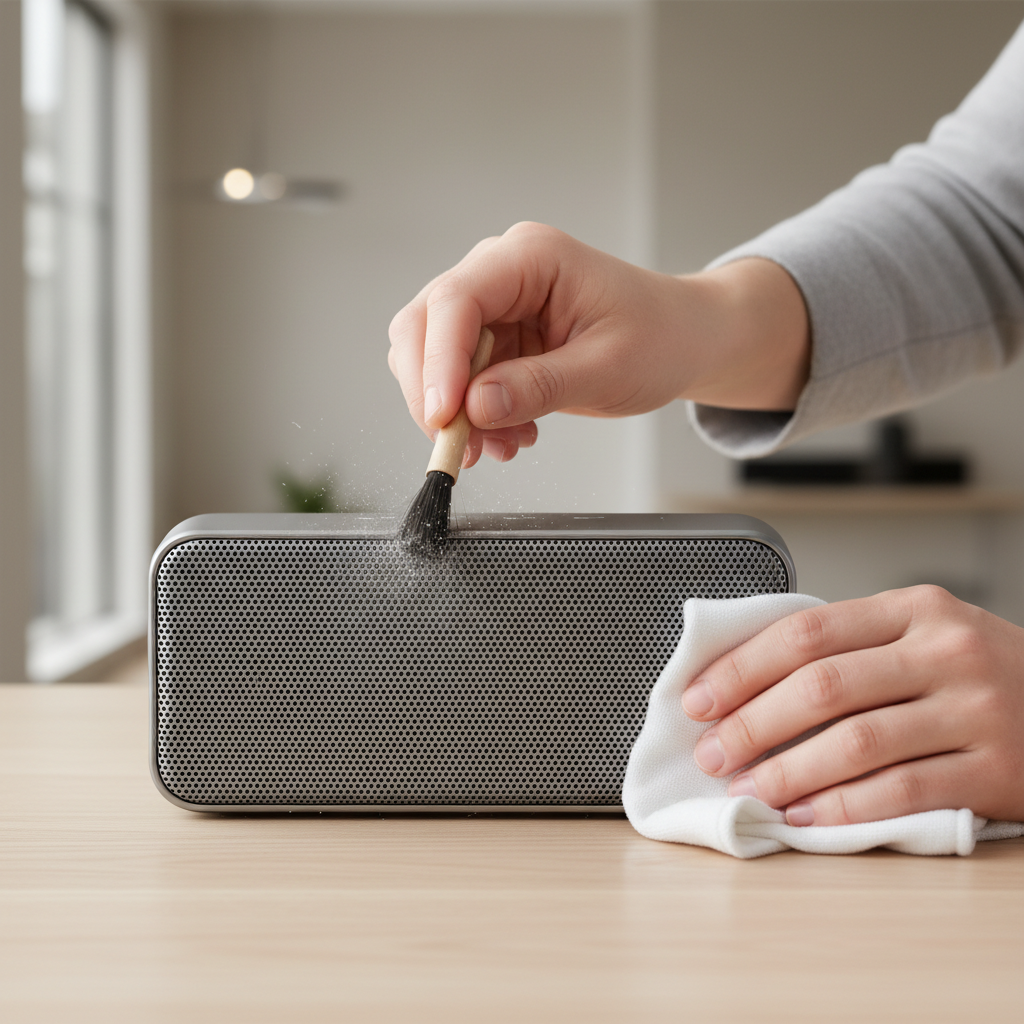
- Grille and ports: lint and debris can create buzzing and reduce airflow. Use a soft brush, avoid forcing anything through the grille.
- Water exposure: even “water-resistant” speakers can have issues after drops or charging while wet. If you suspect moisture, stop charging and let it dry thoroughly; if you’re unsure, consider professional help.
- Driver damage: a torn cone or separated surround often causes a papery rattle on bass notes. You might hear it more on spoken word with deep voice or kick drum hits.
- Loose parts: if a rattle changes when you gently press the enclosure (light pressure, no squeezing hard), something inside may be loose.
Safety note: If the battery looks swollen, the case is bulging, or the unit gets unusually hot, stop using it and follow the manufacturer’s safety guidance. For battery concerns, a qualified technician is the safer path.
Common mistakes that make distortion worse
- Maxing phone volume + maxing speaker volume: this is the fastest route to clipping.
- Boosting bass to “fix” thin sound: if the speaker is small, heavy bass boost can overload it.
- Assuming it’s Bluetooth when it’s placement: putting a speaker on a flimsy surface can create a fake “blown” sound.
- Using random third-party “sound booster” apps: many simply amplify digitally and add distortion earlier.
- Ignoring low-battery behavior: some speakers limit power as voltage drops, so your “same volume” starts to sound worse.
Practical “do this now” setup for cleaner sound
If you want a quick baseline that works for most people, try this sequence and keep it for a day.
- Disable EQ and enhancements on your phone and in your streaming app.
- Set phone volume to 80%.
- Place the speaker at ear height or on a solid surface, not tucked into a corner.
- Keep the speaker within 10–15 feet and in line-of-sight during critical listening.
- Then raise speaker volume until it’s loud enough, and back off slightly if you hear crunch on bass.
This doesn’t “optimize” for every room, but it gives you a clean reference, after that you can add a little EQ back without immediately reintroducing distortion.
When it’s time to contact support or consider repair
There’s a point where troubleshooting turns into time sink. Consider reaching out to the manufacturer or a repair shop if any of these are true.
- Distortion happens at low to moderate volume across multiple devices and apps.
- You hear a consistent mechanical rattle on specific frequencies (especially bass sweeps).
- The unit has been dropped, exposed to water, or now has charging issues.
- Firmware update fails repeatedly or the speaker can’t maintain pairing.
If your speaker is under warranty, avoid opening it, self-repairs can void coverage in many cases.
Conclusion: get clean sound by fixing the chain, not just the speaker
Most distortion problems come from the audio chain: boosted EQ, stacked volume, weak Bluetooth conditions, or low battery behavior. Start with the simple isolation tests, reset gain staging, and only then worry about hardware. If you do one thing today, keep phone volume around 80% and let the speaker handle loudness, it solves more “mystery crackle” than people expect.
If you’re still hearing distortion after the checklist, collect quick notes for support, what device, what app, battery level, and whether it changes with distance, that usually speeds up a real fix.
FAQ
Why does my Bluetooth speaker distort only at high volume?
That pattern usually points to clipping or the speaker reaching its physical limits. Reduce bass boost, lower phone volume slightly, and use the speaker’s volume controls to find a clean ceiling.
How do I know if my speaker is blown or it’s just settings?
If distortion stays even at moderate volume, across different phones and different apps, hardware becomes more likely. If it goes away when you disable EQ and lower source volume, it was probably signal-related.
Can Bluetooth interference cause crackling sound?
Yes, especially in crowded 2.4 GHz environments. Move closer, remove obstacles, and re-pair the device. If it improves with distance changes, interference is a strong suspect.
Does an equalizer make distortion worse?
It can. Big boosts, especially in the low frequencies, increase the chance of clipping and can overwork small drivers. A small cut or gentle boost tends to behave better than extreme sliders.
Why does distortion get worse when the battery is low?
Many portable speakers reduce amplifier headroom as battery voltage drops, so peaks distort sooner. Test while fully charged; if it’s consistently worse on battery, the battery may be aging.
Should I reset my Bluetooth speaker?
Factory reset can help if pairing data is corrupted or firmware behavior is glitchy. It’s a reasonable step after you’ve tested with EQ off and confirmed the issue isn’t just one app.
Is it safe to use a “volume booster” app?
Often those apps just push the signal harder digitally, which can add distortion. If you use one, keep boosts minimal and listen for harshness, but many people are better off avoiding them.
If you’re dealing with frequent distortion and you’d rather not troubleshoot every time, it may be worth choosing a speaker that offers stronger DSP limiters, a stable companion app, and easy firmware updates, those features tend to reduce the day-to-day “why does it sound bad today” frustration.