
Top free video downloaders for youtube are only “legal” in a few specific scenarios, and if you get that part right, you can save offline content without stressing about copyright strikes, sketchy sites, or broken files.
A lot of people search for a free downloader when they really want one of three things: offline playback on a plane, a backup of their own uploads, or a way to use a clip for a legitimate project. The tool matters, but the permission and the source matter more.
This guide sticks to options that are commonly considered legitimate: YouTube’s own offline features where available, official creator exports, and downloads from platforms that have explicit permission. I’ll also call out what to avoid, because “free” can get expensive fast when it comes with adware or copyright problems.
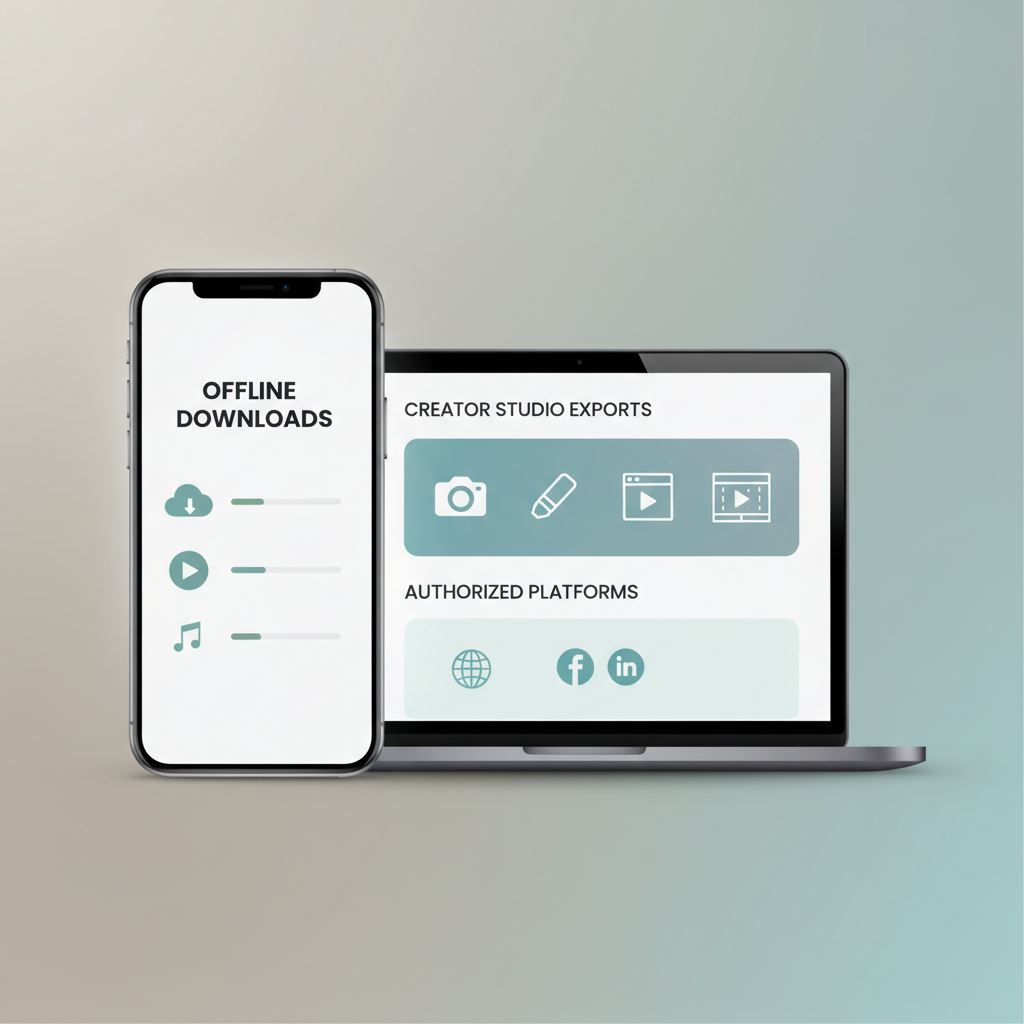
What “legal” actually means for YouTube downloads
Here’s the uncomfortable truth: many third-party “YouTube downloader” sites and apps work by bypassing how YouTube delivers streams, and that can conflict with YouTube’s Terms of Service even if you have good intentions.
According to YouTube Terms of Service, you generally can’t download content unless YouTube provides a download button or the content owner gives permission. That’s why the safest “legal” path looks boring: use official features, or use downloads where the license clearly allows it.
- Usually OK: downloading your own videos from YouTube Studio, using YouTube Premium offline downloads (where available), or downloading from a creator who provides an official file link.
- Risky: ripping videos via third-party tools when there’s no explicit download option or permission.
- Often misunderstood: “Fair use” is not a magic keyword that makes downloading or re-uploading fine; it’s context-specific and can still be disputed.
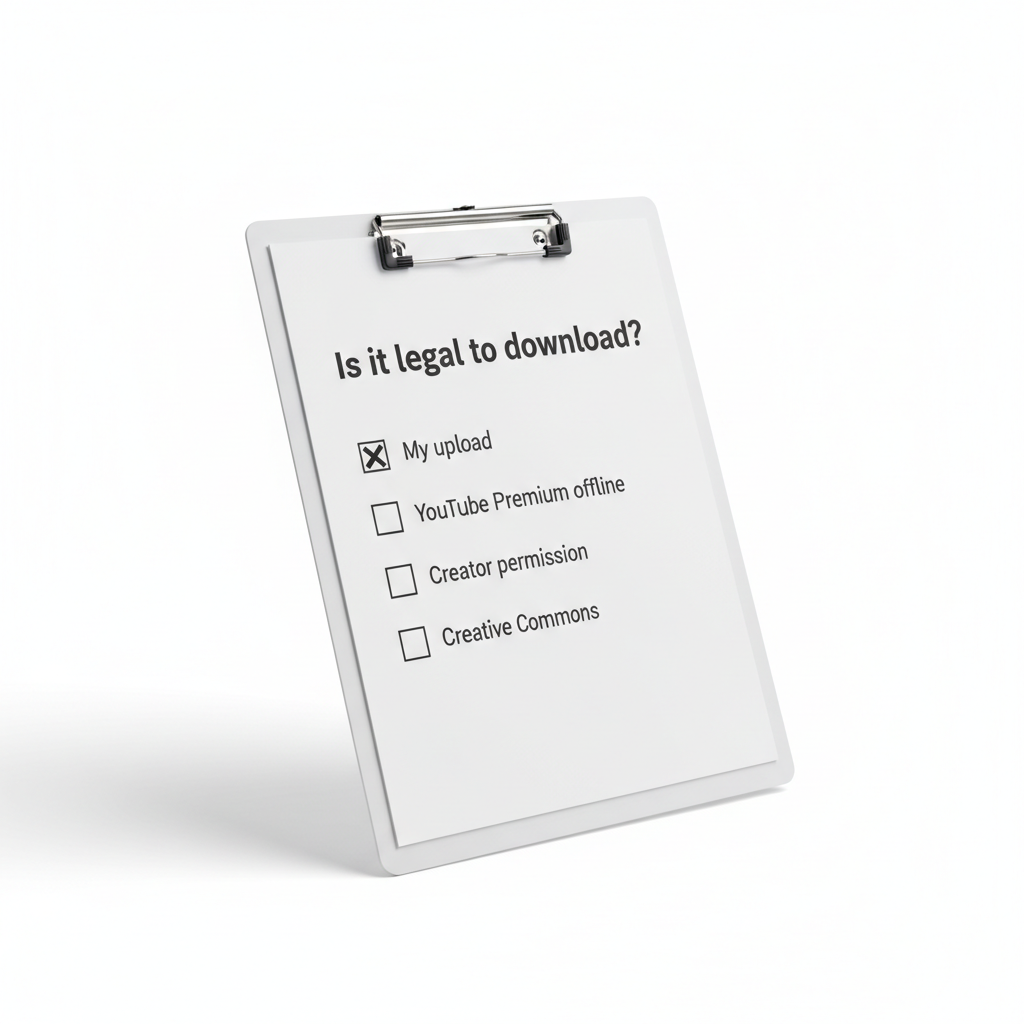
Quick self-check: which download situation are you in?
Before you pick a tool, pin down your situation. This saves time and helps you avoid solutions that look easy but can create problems.
- I uploaded the video and want a local copy or archive.
- I pay for YouTube Premium and want offline watching in the official app.
- I have written permission from the creator or the content is under a clear license (Creative Commons, public domain, or explicit download link).
- I’m a teacher/editor and want a clip for a project, but I don’t have permission or a license.
If you’re in the last bucket, the “best” answer is often: don’t download the full video. Use embeds, request permission, or source from a stock/CC library instead.
Top free legal ways to download YouTube videos (and what they’re best for)
To be precise, these aren’t all “downloaders” in the classic sense, but they are the most defensible ways people in the US typically save YouTube videos without stepping into obvious policy trouble.
1) YouTube Studio (download your own uploads)
If you’re a creator, this is the cleanest option. From YouTube Studio you can download your own videos, and you’re not guessing about permissions because you own the upload.
- Best for: archiving, re-editing your content, client deliverables (when you own the channel content).
- Limitations: quality and audio tracks depend on how the video was processed and uploaded.
2) YouTube Premium offline downloads (official app)
YouTube Premium is not free, but the “downloader” feature inside the app is effectively built-in and official. If your goal is offline viewing, this is the lowest-friction path.
- Best for: travel, commuting, offline viewing without managing files.
- Limitations: downloads stay inside the YouTube app, not as a reusable MP4 file.
3) Creator-provided downloads (links, memberships, newsletters)
Many creators share official files via Google Drive, Dropbox, Patreon, or their own website, especially for tutorials, assets, or member-only content. That’s usually the simplest “legal downloader”: a legitimate file link.
- Best for: course materials, press kits, community resources.
- Limitations: availability varies, and you still need to follow the creator’s usage terms.
4) Creative Commons and public domain alternatives (not always on YouTube)
If your real need is “I need footage,” don’t force YouTube to be a stock library. Look for Creative Commons or public domain video sources where downloading is explicitly allowed.
- Best for: projects, presentations, background B-roll.
- Limitations: attribution requirements and license compatibility can vary.
Comparison table: legal options vs what you actually get
Here’s a practical way to choose without overthinking it.
| Option | Free? | Gives you a file (MP4, etc.)? | Best for | Main tradeoff |
|---|---|---|---|---|
| YouTube Studio (your uploads) | Yes | Yes | Creators, backups, re-edits | Only your content |
| YouTube Premium offline | No | No (in-app only) | Offline viewing | Not a reusable download |
| Creator-provided link | Often | Yes | Courses, resources | Depends on creator |
| CC/Public-domain libraries | Often | Yes | Editing, commercial projects (license-dependent) | License homework |
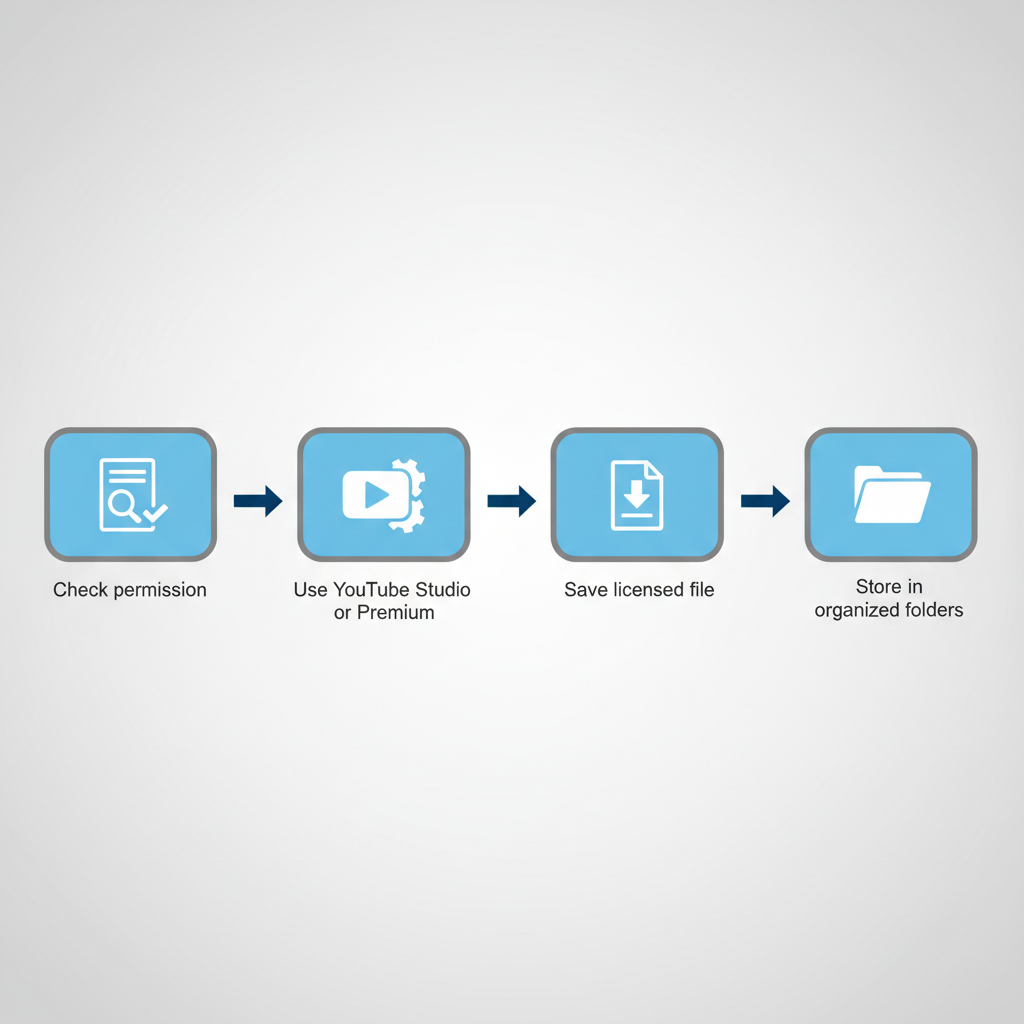
How to download safely (step-by-step, by scenario)
If it’s your video
- Open YouTube Studio → Content.
- Select the video → find the download option (location can vary by UI updates).
- Save the file to a folder structure you’ll recognize later, and keep a second backup if it matters.
If you only need offline viewing
- Use the YouTube mobile app’s offline feature (typically tied to Premium and regional availability).
- Download over Wi‑Fi, check storage space, and confirm it plays in airplane mode.
- Remember: this is for watching, not for editing or re-uploading.
If you have permission from the creator
- Ask for a direct file or an official download link, don’t assume a “yes” means “any method.”
- Save the permission note (email/message) with the file, it helps if questions pop up later.
- Confirm allowed uses: internal only, public reposting, editing, commercial use, attribution.
Common mistakes that get people in trouble (or waste hours)
- Confusing “available to watch” with “available to download.” Streaming access is not the same as distribution rights.
- Assuming “fair use” covers downloading. Fair use is a legal defense, not a pre-approval stamp, and it’s fact-specific.
- Using random web downloaders. Many are ad-heavy, may bundle unwanted software, and can expose you to phishing. If you do anything here, be cautious, keep security tools updated, and avoid entering credentials.
- Ignoring licenses. Even Creative Commons content can require attribution or restrict commercial use depending on the license version.
According to the U.S. Copyright Office, copyright generally protects original works fixed in a tangible medium, which is most videos you encounter online. When in doubt, treat the default as “protected,” not “free to copy.”
When you should get professional advice
If you’re downloading footage for a brand campaign, a monetized YouTube channel, a documentary, or anything where money or reputation is on the line, it’s worth slowing down. A quick consult with an IP attorney or a clearance professional can be cheaper than dealing with takedowns later.
- You’re using clips in ads, sponsorships, or paid courses
- You need to clear music rights, not just the video
- You’re republishing content for a client who expects clean rights
Key takeaways (so you don’t overcomplicate this)
- Legal beats convenient. The safest downloads come from YouTube’s own tools or explicit permission.
- If you want a reusable file, YouTube Studio (your uploads) or a creator-provided link is usually the clean path.
- If you only need offline watching, YouTube Premium is designed for that job.
- When you see “top free video downloaders for youtube” lists that ignore permissions, treat them as a risk, not a recommendation.
Conclusion: pick the method that matches your rights, not just your goal
If your priority is staying on solid ground, start with what you’re allowed to download, then choose the simplest method that fits. For most people, that means grabbing your own uploads via YouTube Studio, using in-app offline downloads for watching, or asking the creator for an official file. If you do that, you get the offline convenience without the legal and security headaches.
If you’re building a workflow for content teams, classrooms, or marketing projects and want a more consistent way to manage permissions, file naming, and storage, a lightweight rights-and-assets checklist can save a surprising amount of time.
FAQ
What are the top free video downloaders for youtube that are actually legal?
For truly “free and legal,” the most reliable answer is YouTube Studio downloads for your own uploads and official downloads provided by the creator. If you need other people’s videos without permission, most “downloaders” drift into policy or copyright risk.
Can I legally download YouTube videos for offline viewing?
In many cases, yes, if you use YouTube’s official offline feature (often via Premium and depending on region/device). That method is designed for offline playback inside the app, not for exporting a file.
Is it legal to download a YouTube video if it’s marked Creative Commons?
It can be, but read the specific license. Creative Commons often allows reuse with conditions like attribution, and some variants restrict commercial use or derivatives. When it’s unclear, ask the uploader for confirmation.
Can I download YouTube videos for a school project under fair use?
Fair use depends on context, and schools still run into disputes. A safer approach is using an embed link, citing sources, keeping clips short, and getting permission when possible. For higher-stakes use, consider asking an IP professional.
Why do some “free YouTube downloader” sites feel unsafe?
Because many rely on aggressive ads, popups, redirects, and bundled installers. Even if the download works, you may be trading convenience for malware risk or account compromise.
How do I download my own YouTube videos in the best quality?
Use YouTube Studio to download your upload, and if you need maximum quality, keep your original export archived locally as well. Platform processing can change bitrate and codecs.
Can I download YouTube Shorts legally?
If it’s your own Short or the creator provides a download, usually yes. Otherwise, treat it like any other YouTube content: without a download option or permission, downloading can be questionable.
Want a simpler way to stay compliant?
If you’re trying to standardize how your team saves and reuses video clips, it may help to create a small workflow: permission request template, license check, and a shared folder structure. If you want, tell me your scenario (creator, teacher, editor, business) and I can suggest a practical checklist that fits without turning it into a legal thesis.