
Best budget tablet cases with keyboard are usually about getting the basics right, a stable fit, comfortable typing, and a trackpad that doesn’t feel like a toy, without paying “laptop accessory” prices.
If you’ve shopped this category before, you already know the pain points, listings that hide compatibility details, “universal” cases that wobble, keyboards that drop Bluetooth at the worst time, and return policies that become your backup plan. The good news is you can dodge most of that with a few quick checks.
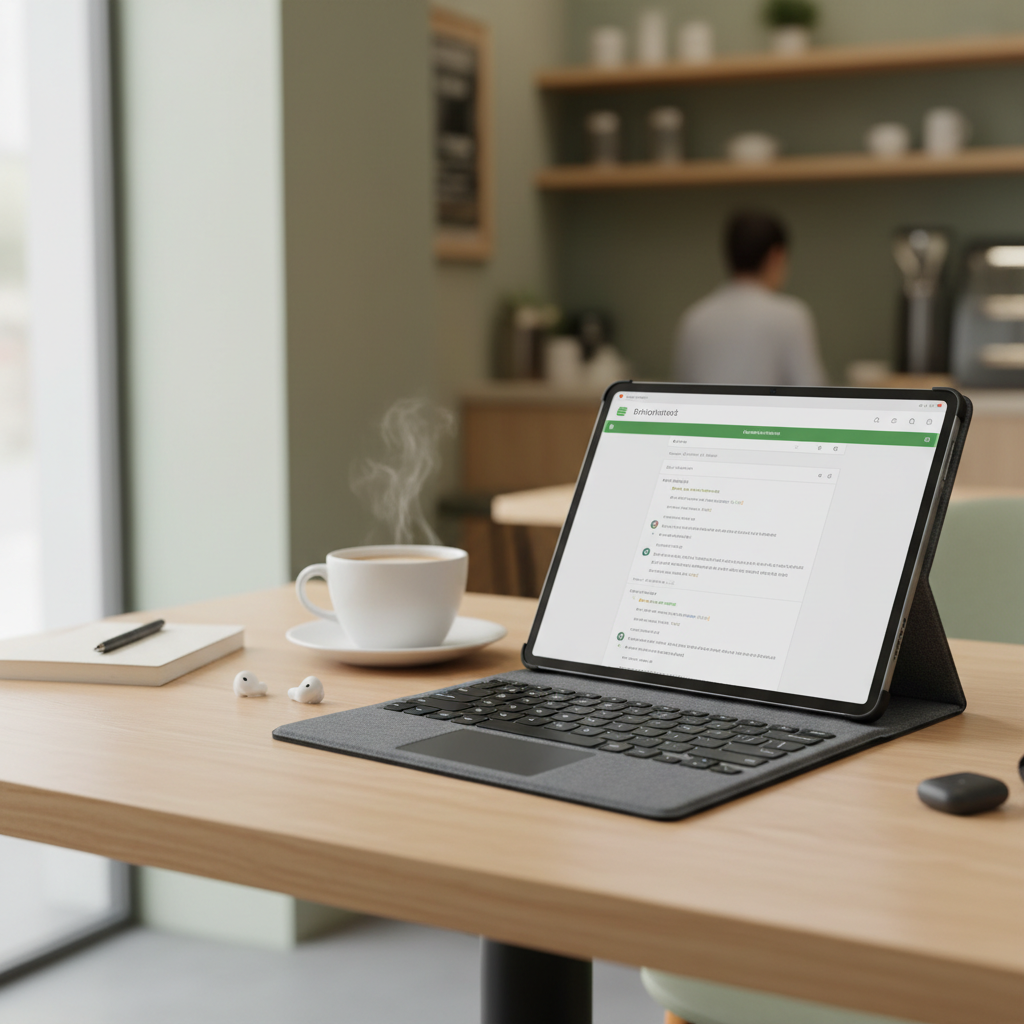
This guide focuses on what matters in 2026 shopping pages: real-world fit, key feel, trackpad behavior, battery and charging, and whether a “cheap” case will quietly cost you more in replacements. You’ll also get a simple comparison table and a short checklist to pick the right style fast.
What “budget” really means in 2026 (and where people get burned)
In many cases, “budget” lands around the price of a basic wireless keyboard, plus a protective shell. That sounds straightforward, but the tradeoffs vary a lot by tablet model and use.
- Model-specific vs universal: model-specific fits tend to feel more secure and keep cameras, speakers, and buttons aligned. Universal designs often save money but can feel top-heavy.
- Keyboard layout compromises: smaller cases may squeeze keys, shorten shift/enter, or remove function shortcuts, which feels fine for emails, then annoying for long writing.
- Trackpad expectations: trackpads at lower prices can be totally usable, but gestures and palm rejection vary by operating system and firmware.
- Hidden “compatibility” issues: some cases technically fit, but block magnetic charging areas, antenna zones, or make it hard to use a stylus.
According to Apple Support, iPad keyboard and trackpad behavior can depend on iPadOS settings and app support, so even a great case won’t make every app feel identical to a laptop.
Quick comparison table: budget keyboard case types
Most shoppers end up choosing between three styles. Picking the style first saves time, then you narrow down by your exact tablet model.
| Type | Best for | Typical pros | Common downsides |
|---|---|---|---|
| Folio w/ built-in Bluetooth keyboard | School, couch writing, light work | All-in-one, decent protection, easy to pack | Heavier than a plain case, angle options may be limited |
| Detachable keyboard + case | Mixed tablet/laptop-style use | Flexible, remove keyboard for reading | Magnets/clips can feel weaker on cheaper models |
| “Universal” clamp case + keyboard | Older tablets, less common sizes | Works with many models, often the lowest price | Fit can wobble, camera cutouts rarely perfect |
How to choose: the 10-point buyer checklist
Before you add anything to cart, run this quick scan. It takes two minutes and usually prevents the “I thought it would fit” return.
- Exact model ID: match tablet generation, screen size, and year. Don’t rely on product title alone.
- Cutouts alignment: camera bump, speakers, USB-C/Lightning port, and mic holes.
- Typing comfort: look for near full-size keys if you type daily, and check if the keyboard has a stable deck (no bounce).
- Trackpad (optional): useful for productivity, but not mandatory if you mostly tap and use a stylus.
- Viewing angles: at least two angles helps a lot for desk vs lap use.
- Lap stability: folios tend to do better than floating “kickstand + keyboard” designs at low prices.
- Charging plan: USB-C charging is convenient; coin-cell style is less common now, but still appears.
- Auto sleep/wake: nice quality-of-life feature, though it can be inconsistent on some Android tablets.
- Return window: treat this like a fit test, not a “maybe someday” policy.
- Weight: budget keyboard cases can make a tablet feel surprisingly heavy, especially for commuting.
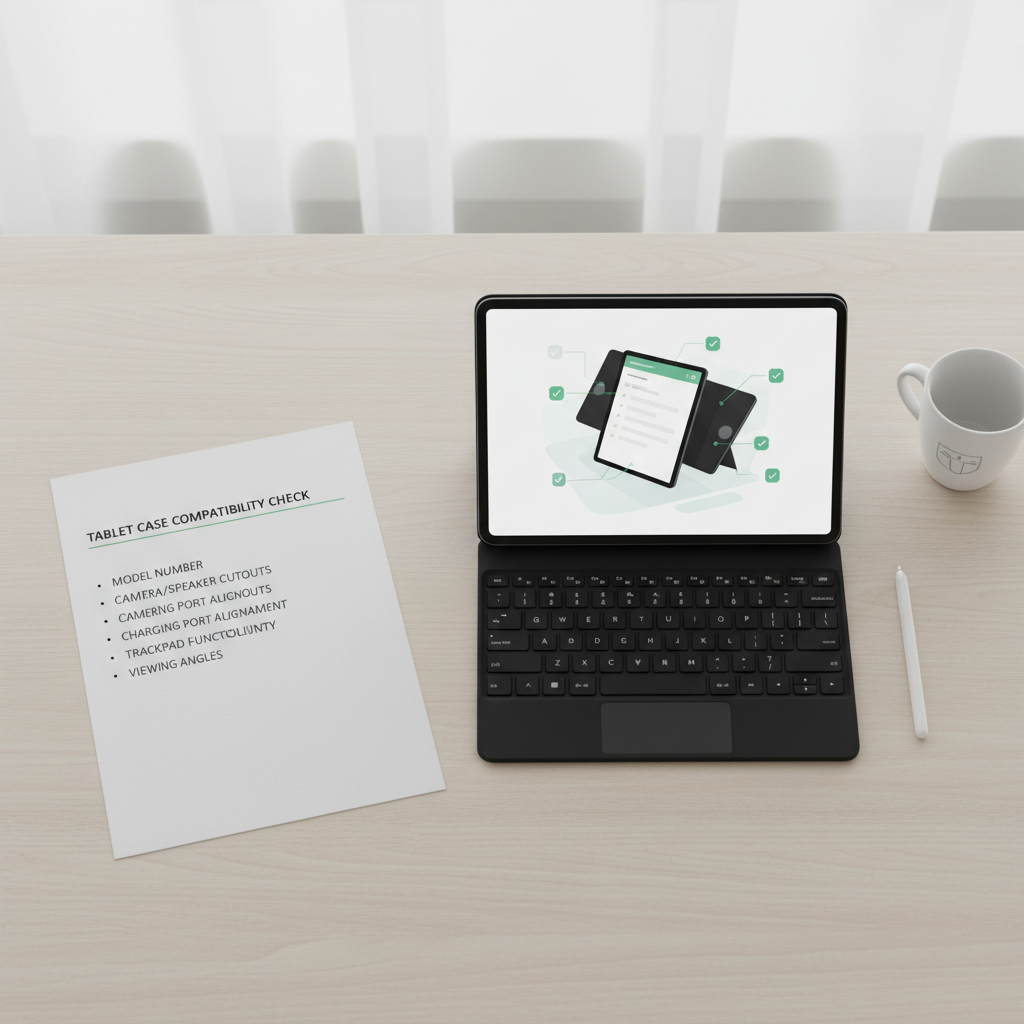
If you only do one thing, do this: confirm the tablet model number, then confirm the case lists that exact model. “Fits iPad 10.2” is not the same as “fits iPad 9th gen,” and listings sometimes blur that line.
Recommended picks by scenario (not brand hype)
Rather than pretending there’s one perfect option, it’s more practical to buy based on how you actually use your tablet. Below are the setups that tend to make people happiest in the budget tier.
For students and note-takers
- Best style: folio with integrated keyboard, optional trackpad
- What to prioritize: stable angle, decent key spacing, reliable sleep/wake
- Nice-to-have: a stylus holder that doesn’t press the power button
Students often switch between typing and carrying the tablet around campus, so sturdiness beats fancy materials. If you’re using apps that support keyboard shortcuts, a function row can feel like a small upgrade that adds up daily.
For remote work and light productivity
- Best style: detachable keyboard + protective case
- What to prioritize: trackpad quality, palm rejection, stronger magnets or latch
- Nice-to-have: multi-device Bluetooth if you bounce between tablet and phone
For work, the keyboard connection matters as much as key feel. If reviews mention random disconnects, assume you’ll notice them during calls or while editing docs, that’s usually where the frustration shows up.
For travel and airplanes
- Best style: compact folio, minimal trackpad
- What to prioritize: strong stand position, protection around corners, easy open/close
Airplane trays punish unstable stands. A simpler hinge with fewer “floating” parts often works better in cramped spaces, even if it looks less sleek.
For older tablets or uncommon Android sizes
- Best style: universal clamp case (only if model-specific isn’t available)
- What to prioritize: clamp grip, non-slip interior, camera clearance
Universal designs can still be a good buy, but you want honest product photos that show how the tablet is held. If the clamp looks like it blocks corners or buttons, it probably will.
Practical setup tips (so it feels less “cheap”)
Even the best budget tablet cases with keyboard can feel off out of the box. A few small setup moves usually improve the day-to-day experience.
- Update your tablet OS: keyboard and trackpad behavior improves over time, and bugs get patched.
- Adjust key repeat settings: if you see double letters or missed presses, check accessibility and keyboard settings.
- Re-pair Bluetooth once: if the keyboard supports it, remove it from Bluetooth devices and pair again to fix flaky connections.
- Use a slight wrist lift: budget folios sometimes angle the keyboard flatter, a small posture change reduces fatigue.
- Learn 5 shortcuts: copy/paste, app switching, search, and browser tab controls save more time than you’d expect.
According to Microsoft Support, Bluetooth troubleshooting often starts with confirming battery level and removing/re-adding the device, which sounds basic but resolves a surprising number of intermittent issues.
Mistakes to avoid when shopping cheap keyboard cases
These are the patterns that cause the most returns and “why does this feel awful” reviews.
- Buying for screen size only: two tablets can share a screen size but have different camera placement and button positions.
- Ignoring weight: a budget case can turn a light tablet into a brick, especially in a backpack.
- Assuming all trackpads behave the same: iPadOS, Android, and ChromeOS handle gestures differently, and some apps barely support them.
- Overvaluing backlight: backlit keys are nice, but weak hinges and mushy keys hurt more.
- Skipping return-policy math: if shipping and restocking are painful, you want higher confidence before ordering.

One more quiet mistake: choosing a case that blocks how you actually charge or use accessories. If you use a stylus daily, make sure the case doesn’t interfere with attachment or charging, otherwise you’ll end up “temporarily” removing the case and never putting it back on.
When it’s worth spending a bit more
Budget is smart, but there are a few situations where paying up tends to be less frustrating over a year of use.
- You type for hours: key stability and a better hinge reduce fatigue.
- You depend on the trackpad: higher-end trackpads often feel smoother and handle gestures more consistently.
- You travel constantly: better materials and stronger attachment points hold up longer.
- You need specific features: smart connectors, rugged protection, or enterprise accessories usually live above the budget tier.
If you’re buying for work reimbursement or a primary “laptop replacement” setup, it’s often worth comparing one step up in price, not because expensive equals better, but because the hinge and keyboard deck tend to improve first.
Key takeaways and next steps
Shopping best budget tablet cases with keyboard is mostly a fit-and-feel problem, not a spec-sheet contest. If you lock in the exact tablet model, choose the right case style for your routine, and sanity-check hinges, angles, and return terms, you’ll usually land on something that feels genuinely useful.
If you want a quick action plan, pick your use case from the scenario section, shortlist three model-specific options, then buy the one with the clearest compatibility listing and the easiest returns. That’s the boring approach, and it works.
FAQ
What should I look for in the best budget tablet cases with keyboard?
Start with exact model compatibility, then prioritize a stable stand, comfortable key spacing, and a return policy that lets you test fit. Features like backlight and fancy materials come after the basics.
Are “universal” keyboard cases worth it for Android tablets?
They can be, especially for less common tablet sizes, but they’re more hit-or-miss. Look for strong clamps, honest photos, and reviews that mention camera and button access, not just “it works.”
Is a trackpad necessary on a budget keyboard case?
Not always. If you mostly tap, write with a stylus, or use your tablet casually, a trackpad can be optional. If you edit docs, manage spreadsheets, or multitask a lot, it often helps.
Why do some Bluetooth keyboard cases disconnect or lag?
It’s usually a mix of battery management, cheaper Bluetooth modules, and how the tablet OS handles sleep states. Re-pairing, updating the OS, and keeping the keyboard charged tends to help, though some models stay flaky.
Will a keyboard case protect my tablet like a regular case?
Some do, some don’t. Folio designs often cover the screen and corners reasonably well, while thinner designs can prioritize portability over drop protection. If protection is your priority, look for reinforced corners and a firm shell.
Do iPads work better with keyboard cases than Android tablets?
It depends on the specific devices and apps. iPadOS generally has strong keyboard support, but plenty of Android tablets handle keyboards well too. The bigger difference is app support for shortcuts and trackpad gestures.
How can I confirm my tablet model before buying a case?
Check your device settings for model information, and cross-check the model number with the listing’s compatibility section. If the listing only mentions screen size, treat it as a risk flag.
If you’re trying to keep costs down but still want a setup that feels reliable day to day, shortlist two or three model-specific options, then choose based on hinge stability, return terms, and whether the layout matches how you type, it’s a more “real life” filter than chasing the flashiest feature list.