
best budget smart home starter kits 2026 are less about finding the cheapest box and more about avoiding the three beginner traps: mismatched standards, weak Wi‑Fi coverage, and devices that only work inside one app.
If you want your first smart setup to feel “invisible” (lights work every time, automations don’t randomly fail), you need a starter kit that matches your home and your comfort level, not whatever is on the loudest sale banner.
This guide breaks down what a real “starter kit” should include, which ecosystems are easiest in the US, what to buy first, and how to expand without re-buying everything in six months.
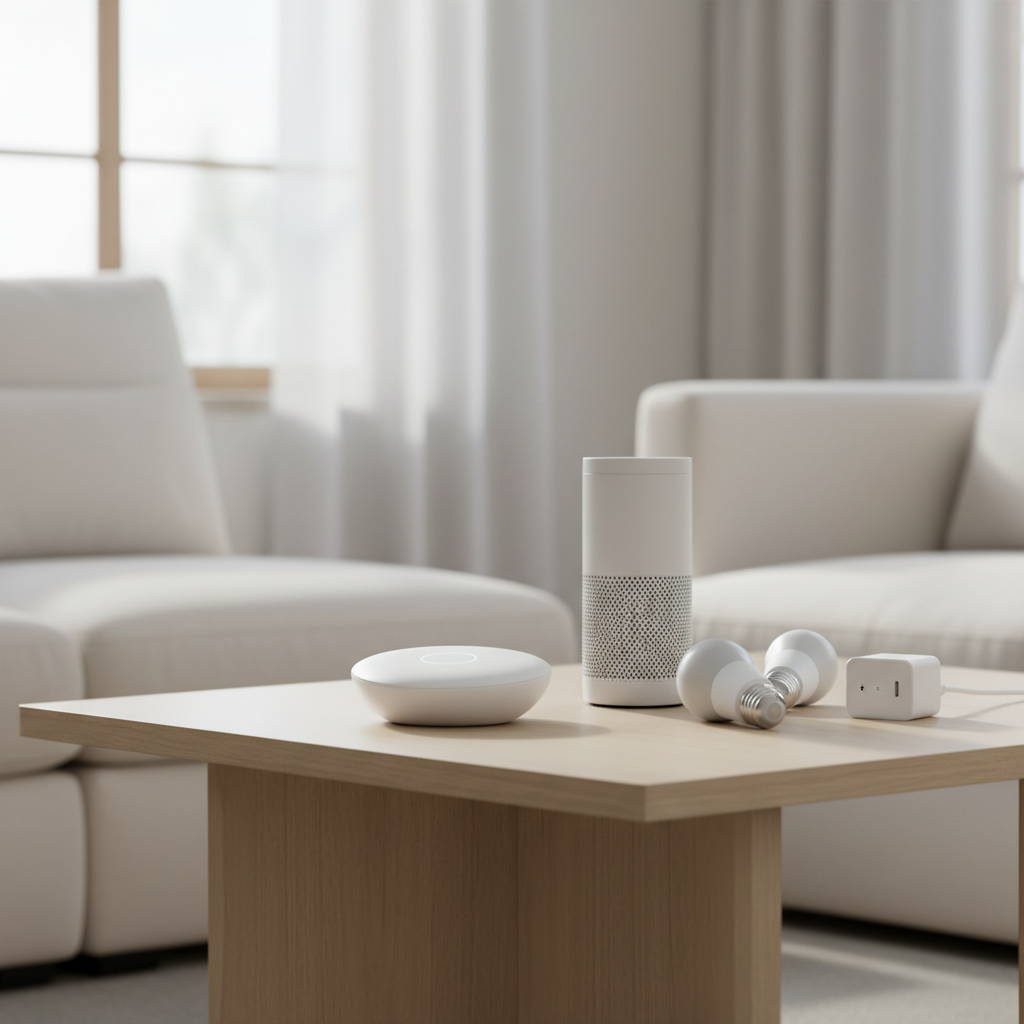
What “budget starter kit” should mean in 2026 (and what it shouldn’t)
A budget kit should be predictable: stable connectivity, clear upgrade path, and enough pieces to feel useful on day one. “Budget” does not have to mean “random brand + five apps + constant troubleshooting.”
- Minimum useful kit: one control point (speaker/display or hub), 2–4 lights or switches, and 1–2 plugs or sensors.
- Upgradeable: you can add door locks, thermostats, and more rooms without changing the whole backbone.
- Supportable: firmware updates exist, returns are easy, and setup instructions aren’t guesswork.
According to NIST (National Institute of Standards and Technology), consumer IoT security practices should include basics like updating software, using strong passwords, and understanding what data a device collects. That matters because cheap kits sometimes cut corners on updates or account security, and beginners pay the price later.
Quick self-check: which kit category fits your home?
Before you compare boxes, decide what kind of “smart” you actually want. Most beginners fall into one of these tracks, and each track favors a different starter kit shape.
- “I just want voice control”: smart speaker + a few Wi‑Fi bulbs/plugs, minimal complexity.
- “I want reliability, not Wi‑Fi chaos”: hub-based kit using Zigbee/Thread, fewer drop-offs.
- “I rent, I can’t rewire”: plugs, bulbs, and peel-and-stick sensors, no switches required.
- “I own, I want it to feel built-in”: smart switches, occupancy sensors, scenes, and maybe a hub.
If you’re unsure, pick reliability over novelty. A smaller kit that works every day beats a bigger one that becomes a weekend project.
The ecosystems that usually make budget kits easier in the US
In 2026, the “best budget smart home starter kits 2026” conversation typically comes down to ecosystem fit: Apple Home, Google Home, Amazon Alexa, and hub-first platforms. Matter support helps, but it doesn’t erase every limitation.
What to look for on the box
- Matter: a cross-platform standard that can reduce lock-in, but feature depth can vary by brand and app.
- Thread: a low-power mesh network that often improves responsiveness versus pure Wi‑Fi devices.
- Zigbee: mature mesh standard, common in budget sensors and bulbs when paired with a hub.
Reality check: Matter can simplify compatibility, but some advanced features (like complex scenes, energy reporting, or fancy button actions) may still depend on the brand app or the platform you choose.
Starter kit recommendations by “beginner profile” (not by hype)
I’m not going to pretend there’s one magic box for everyone. What follows are kit patterns that tend to work for beginners on a budget, plus what to buy inside each pattern. Use them like templates.
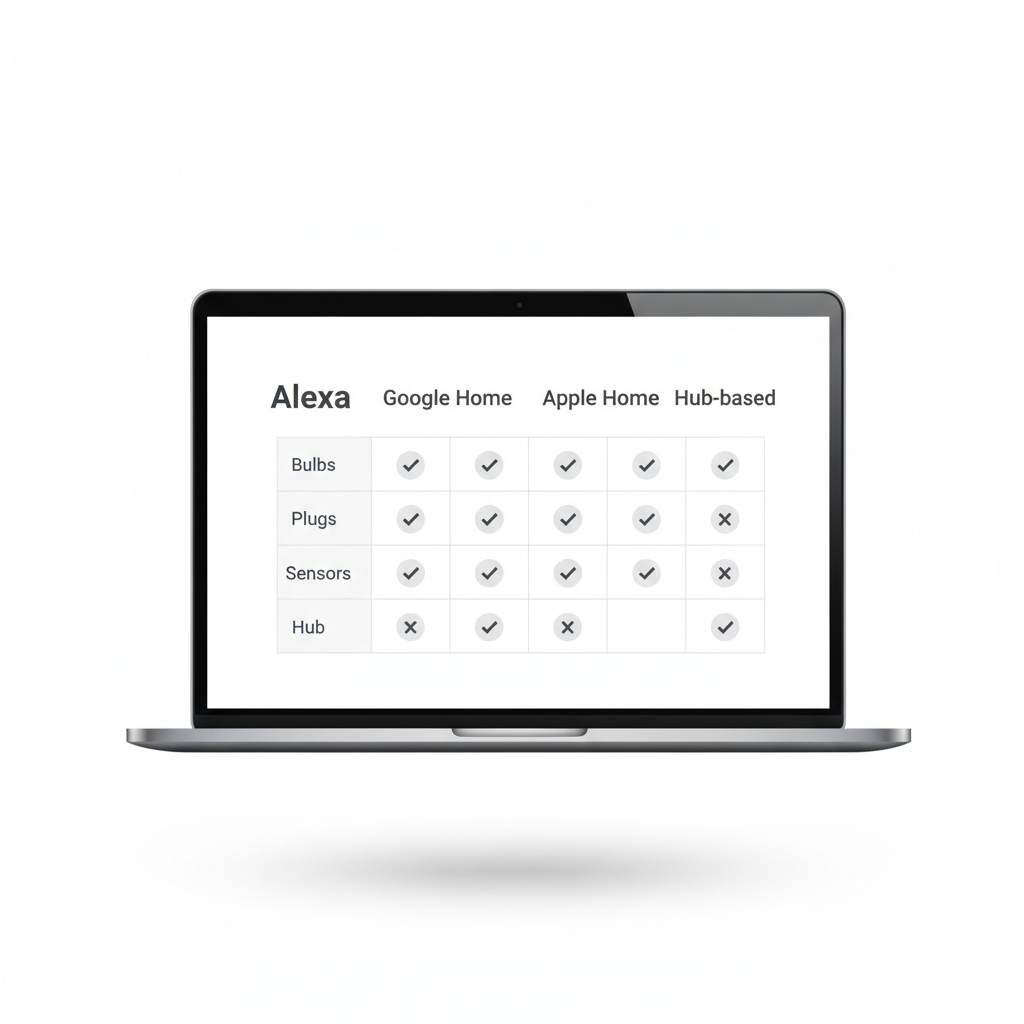
At-a-glance kit table
| Beginner goal | What to buy first | Why it’s budget-friendly | Watch-outs |
|---|---|---|---|
| Simple voice control | Smart speaker + 2 bulbs + 2 plugs | Low upfront cost, fast setup | Wi‑Fi congestion, brand app sprawl |
| Reliable whole-home basics | Hub (Zigbee/Thread) + sensors + a few lights | Mesh networking reduces failures | Hub learning curve, pick one ecosystem |
| Renters, no wiring | Plugs + bulbs + door/window sensors | No electrician, easy to remove | Battery maintenance, placement matters |
| “Feels built-in” lighting | Smart switches + motion/occupancy sensor | Controls any bulb, long-term value | Neutral wire questions, may need pro |
Kit Pattern A: The $-efficient “starter room”
Best for apartments and small homes where you want quick wins. Build one room that feels smart, then expand.
- 1 smart speaker (or display)
- 2 smart bulbs or 1 smart switch (pick one approach)
- 2 smart plugs (lamps, coffee maker, fan)
- Optional: 1 motion sensor for automations
This pattern keeps costs controlled and helps you learn what you actually use before you buy more devices.
Kit Pattern B: The “hub + sensors first” reliability build
If you hate troubleshooting, start with a hub and sensors, then add lights. Sensors are where automations feel magical, and they’re often cheaper than premium lighting.
- 1 hub supporting Zigbee/Thread (or a platform device that acts as a border router)
- 2 door/window sensors
- 1 motion/occupancy sensor
- 1–2 smart plugs
In many homes, this is the route to fewer “why didn’t it trigger?” moments, which is why it shows up in a lot of best budget smart home starter kits 2026 shortlists.
How to choose devices that won’t annoy you later
Most “budget kit regret” is predictable. It usually comes from one of these: too many Wi‑Fi devices, weak router placement, or choosing lighting parts that don’t match how you live.
Lights: bulbs vs switches (pick based on habits)
- Smart bulbs: great for renters and color scenes, but someone flipping a wall switch can cut power and break control.
- Smart switches/dimmers: feel normal for guests, control any bulb, but wiring varies by home, and some installs may require an electrician.
Plugs: the underrated budget hero
Smart plugs are boring in the best way. They give you scheduling, voice control, and simple automation triggers without committing to a whole lighting overhaul.
Sensors: the difference between “gadget” and “system”
Motion, contact, and leak sensors make automations feel proactive. If you add only one sensor type, motion/occupancy is usually the most satisfying.
According to CISA (Cybersecurity and Infrastructure Security Agency), improving IoT safety includes changing default passwords, keeping devices updated, and separating devices on your network when possible. If a kit requires sketchy third-party cloud accounts, pause and reconsider.
Practical setup plan: a weekend rollout that stays under control
Here’s a real-world approach that keeps you from buying twice. It’s intentionally a little conservative.
- Day 1: pick one ecosystem, add a speaker/display or hub, then connect just one plug and one light to confirm stability.
- Day 2: automate one routine, like “Good Night” (turn off lights, power down plugs) and “Arrive Home” (one lamp on).
- Day 3: add sensors after you trust the foundation, then build automations around them.
Key point: if devices randomly go offline during this small test, adding more devices won’t fix it. That’s usually a Wi‑Fi placement or interference issue, or a sign you should lean into Zigbee/Thread mesh options.
Common mistakes beginners make with budget kits
- Buying “a little of everything”: five device types across three brands sounds fun, then you end up juggling apps and accounts.
- Ignoring network reality: older routers and dead zones make budget devices look “bad,” even when the real problem is coverage.
- Over-automating early: if your first week involves 12 automations, you’ll spend more time debugging than enjoying the setup.
- Assuming Matter means identical features: compatibility is improving, but behavior can still differ by platform and device category.
If safety is involved, treat it differently. Leak sensors are low-risk and helpful, but for locks, garage doors, or alarm-like behavior, you may want extra research and possibly professional installation depending on your home and comfort level.
Conclusion: a budget starter kit should buy you confidence
The best budget smart home starter kits 2026 are the ones that let you build momentum: one ecosystem you like, a few devices that work every time, and a clear next step when you decide to expand.
If you want a simple action plan, start with one room, prioritize reliability (mesh when possible), then add sensors only after your basics feel solid. You’ll spend less, and you’ll enjoy it more.
FAQ
What should a beginner buy first in a smart home starter kit?
Start with a control point (speaker/display or hub) plus one or two devices you’ll use daily, like a plug and a light. Daily use exposes problems fast and keeps motivation high.
Are Matter devices always the safest choice?
Matter can reduce compatibility headaches, but safety still depends on the brand’s update process, account security, and how you manage your network. Check whether the manufacturer supports regular firmware updates.
Is a hub necessary for a budget smart home?
Not always. Small apartments can do fine with a speaker and a few Wi‑Fi devices. A hub becomes more valuable when you add sensors, expand to multiple rooms, or want fewer disconnects.
How many devices can I add before Wi‑Fi becomes a problem?
It varies by router quality, home size, and interference. If you notice delays or frequent offline devices early, consider upgrading Wi‑Fi coverage or shifting future purchases toward Zigbee/Thread mesh devices.
Should I buy smart bulbs or smart switches to save money?
For renters, bulbs often win because there’s no wiring. For homeowners, switches can be better long-term since they work with standard bulbs and feel natural for guests.
What automations are best for beginners?
Stick to two or three: a bedtime scene, a morning routine for one room, and a “motion turns on light” rule in a hallway. Simple automations teach you what you actually value.
Do budget kits work with Alexa, Google, and Apple Home equally well?
Many do, especially with Matter support, but some features behave differently across platforms. If your household already uses one assistant daily, aligning your kit with that ecosystem usually reduces friction.
If you’re building your first setup and want a more “set it up once, then forget about it” path, consider choosing a hub-friendly kit pattern and expanding device-by-device, it’s often the least stressful way to keep costs low without sacrificing reliability.