
best budget portable chargers for nintendo switch usually come down to three things: enough wattage to actually charge while you play, a USB-C port that supports Power Delivery, and a capacity that matches how you travel.
If you’ve ever bought a cheap power bank that “works for phones” but barely keeps your Switch alive, you already know the pain, it’s not just about mAh on the label. Nintendo Switch charging is pickier than many people expect, and the wrong combo of cable, port, and output can turn a “deal” into dead weight.
This guide keeps it practical, what specs matter, what you can skip, and a short list of budget-friendly options that tend to make sense for most US shoppers. I’ll also point out the common traps, because the fastest way to overspend is buying twice.
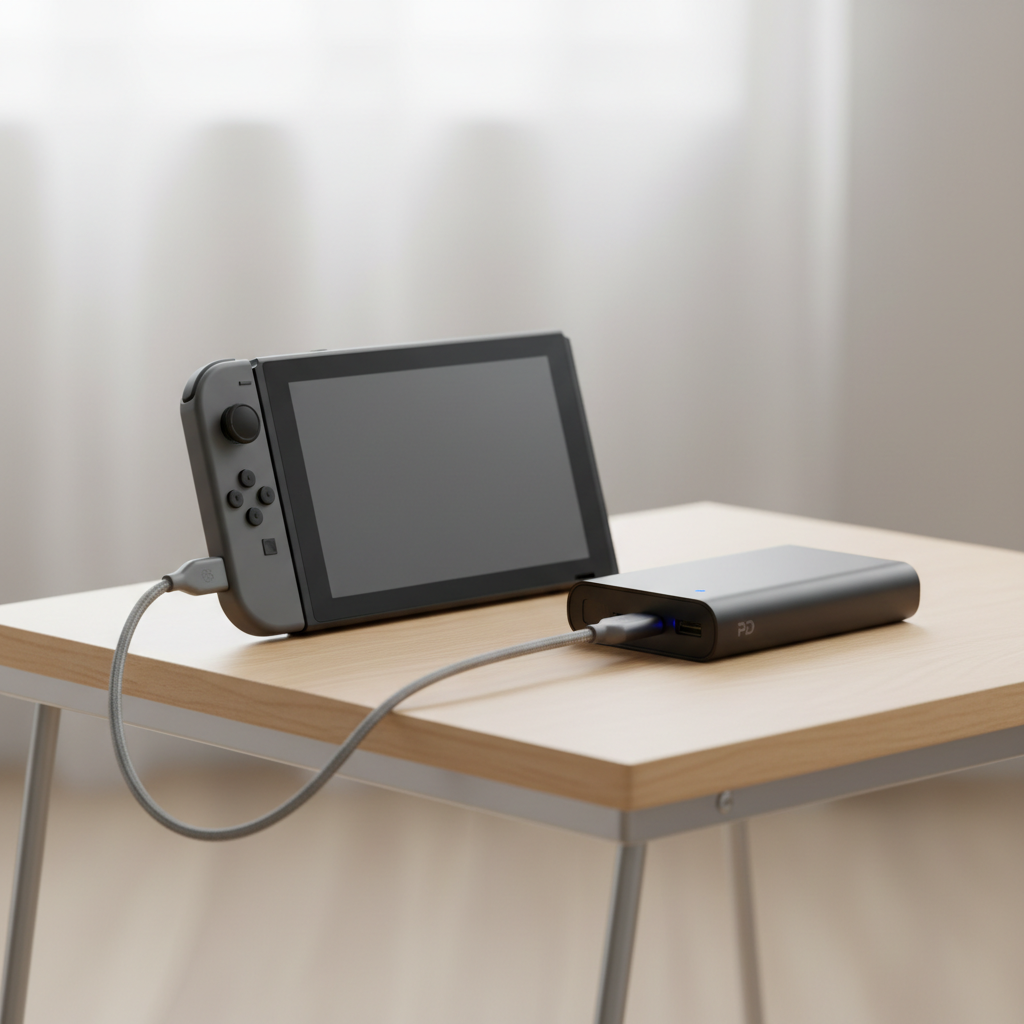
What “budget” should still include for Switch charging
For Nintendo Switch, budget should never mean “random no-name brick.” You’re plugging into a $200–$350 console, so the charger needs basic electrical competence, not just a low price tag.
According to Nintendo Support, the Switch family uses USB-C for charging, and the official AC adapter is designed to deliver the right power profile for the system. In plain English, you want a power bank that can negotiate the correct USB-C Power Delivery mode, not one that only does low-power 5V output.
- USB-C Power Delivery (PD): Look for PD explicitly, not just “USB-C.”
- Output wattage: Aim for 18W minimum for decent results, and 20–30W if you want charging while playing to feel reliable.
- One decent USB-C port: A single strong USB-C PD port often beats three weak mixed ports.
- Safety basics: Over-current, over-voltage, and temperature protection should be stated clearly by the brand.
One nuance people miss, a huge mAh number can still charge slowly if the bank can’t deliver enough watts. That’s why wattage and PD matter more than marketing.
Quick spec checklist: capacity, watts, and ports (without the jargon)
Here’s the simplest way to think about it: capacity decides how many times you can recharge, watts decide how fast it feels, and ports decide how annoying the setup becomes on a trip.
Capacity (mAh) that usually makes sense
- 10,000mAh: Pocketable, good for commutes, often ~1 full top-up (varies by model and usage).
- 20,000mAh: The sweet spot for travel, more runway for long flights or weekends.
- 26,800mAh+: Bigger and heavier, sometimes worth it if you also charge a phone/tablet.
Wattage targets for Switch
- 18W PD: Acceptable for handheld play, better than “phone-only” banks.
- 20–30W PD: Better headroom, tends to maintain battery while gaming.
- 45W+: Usually unnecessary if you only care about Switch, unless you want one bank for multiple devices.
Ports and cables
- USB-C to USB-C cable is the default for PD, don’t assume a USB-A cable will give the same results.
- If a bank has USB-C but only “in/out 5V,” it’s not the USB-C you want.
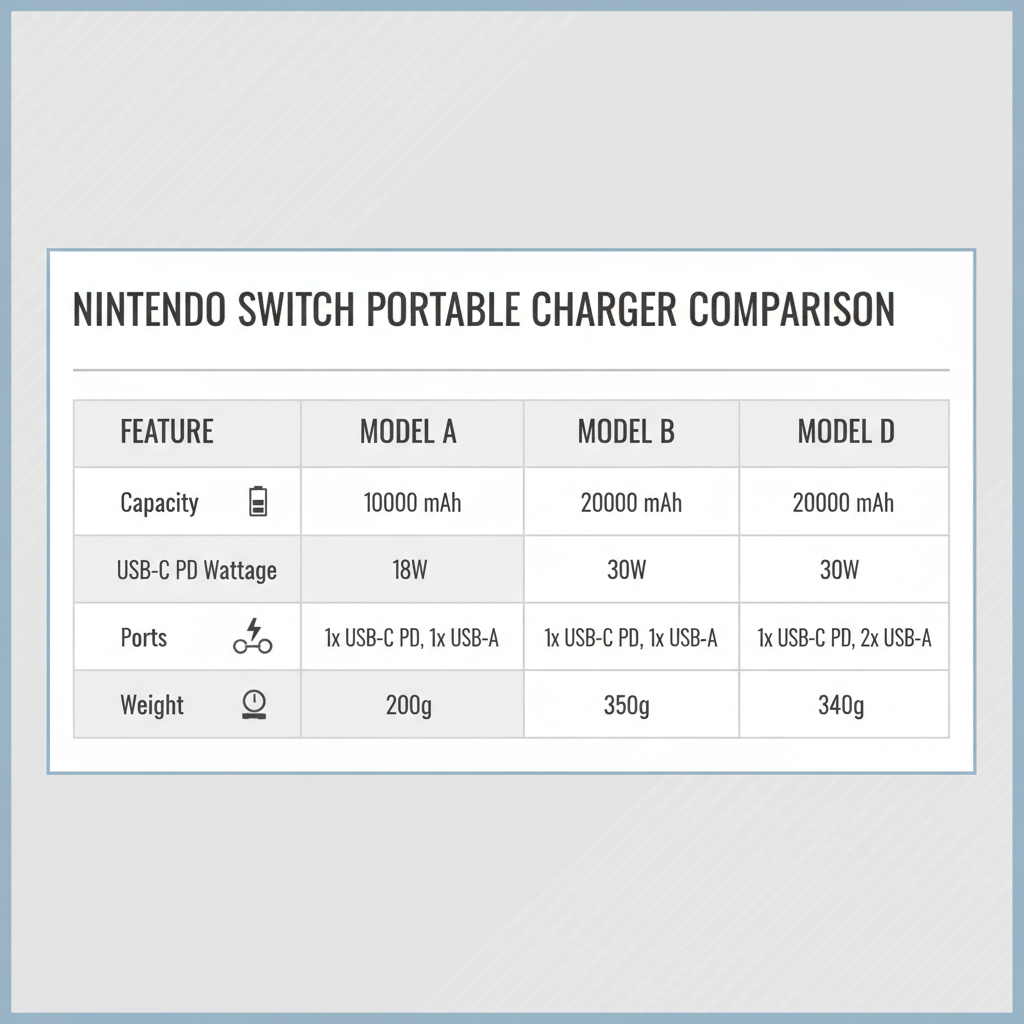
Best budget portable chargers for Nintendo Switch (practical picks)
I’m not going to pretend there’s one “perfect” model for everyone, prices shift a lot week to week. Instead, these are the types of budget-friendly picks that usually perform well for Switch, based on the specs that matter.
| Pick type | Who it’s for | What to look for | Typical trade-off |
|---|---|---|---|
| 10,000mAh PD 20W | Daily carry, short trips | USB-C PD 18–20W, slim body | Fewer total recharges |
| 20,000mAh PD 20–30W | Travel and long sessions | USB-C PD, solid brand warranty | Heavier in a bag |
| 20,000mAh PD with 2 USB-C ports | Switch + phone charging | One port can do 20–30W alone | Power sharing can slow things |
| Power bank with built-in USB-C cable | People who lose cables | Built-in cable supports PD | Cable wear over time |
Key takeaway: if you’re trying to stay under a tight budget, don’t chase extra features like wireless charging first. Prioritize PD wattage and a reputable manufacturer, then choose capacity.
How to choose the right one for your play style
Most people are not actually “choosing a power bank,” they’re choosing a travel routine. So pick based on how you use the Switch.
- Mostly handheld at home: A 10,000mAh PD bank is fine, spend a bit extra on a better USB-C cable.
- Flights, road trips, conventions: 20,000mAh PD is the safer bet, it reduces the stress of hunting for outlets.
- Docked play away from home: Many players do this, but it’s more demanding, consider a higher-watt PD bank and confirm compatibility, or use the official adapter when possible.
- Charging Switch + phone together: Look for a bank that keeps strong output on USB-C even when another port is used.
And yes, the cable matters. A cheap, thin USB-C cable can bottleneck PD charging or behave inconsistently, especially after some wear.
Real-world buying mistakes (and how to avoid them)
This is where budgets go to die, small misunderstandings that lead to returns, or worse, a charger that sits in a drawer.
- Buying based on mAh alone: A 30,000mAh bank with weak output can feel worse than a 10,000mAh PD bank.
- Confusing USB-C with USB-C PD: USB-C is the shape, PD is the fast-charging standard.
- Assuming “fast charge” means PD: Some products mean QC or other standards, which may not help the Switch much.
- Using mystery cables: If the bank supports PD but the cable can’t handle it, you’ll blame the wrong thing.
- Overloading ports: Two devices at once often splits power, good for emergencies, not always great for gaming while charging.
According to USB-IF, USB-C and Power Delivery compliance is tied to specific electrical behavior and supported profiles. You don’t need to read the spec sheets, just treat “PD” as a non-negotiable label for Switch-friendly charging.
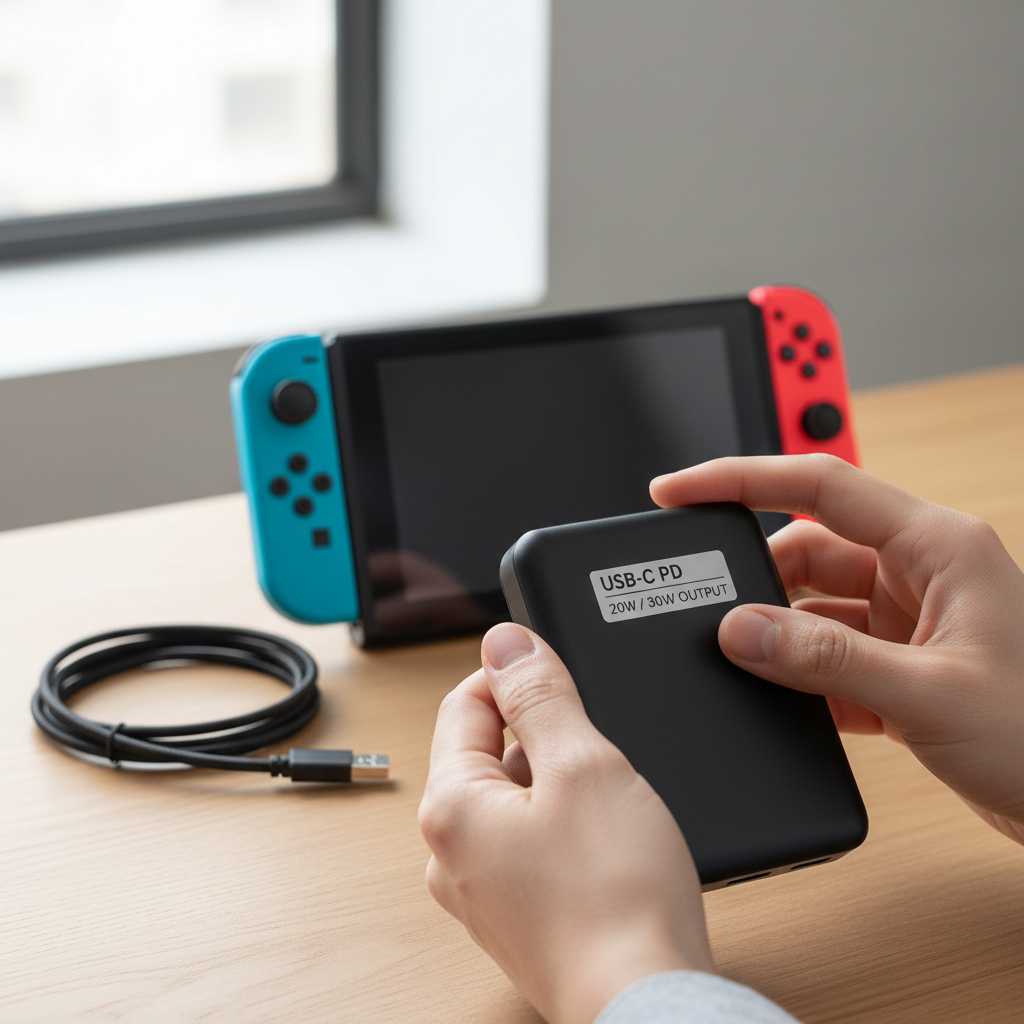
Simple setup: get reliable charging in 3 steps
You can keep this boring, boring is good when power is involved.
- Step 1: Confirm the bank supports USB-C PD, and that the USB-C port is rated 18W or higher.
- Step 2: Use a decent USB-C to USB-C cable, ideally from the same brand or a known cable maker, and avoid damaged connectors.
- Step 3: Test once before travel, plug in the Switch at ~30–60% battery and see if it charges steadily during a game session.
If charging seems to “pulse” or barely moves while you play, it’s often a wattage or cable issue, not your Switch battery aging overnight.
Conclusion: the budget sweet spot most Switch owners should aim for
If you want a realistic baseline, target a 20,000mAh power bank with USB-C PD (20–30W). That combo tends to feel like money well spent: enough capacity for travel, enough power to avoid the frustrating “charging but not really” situation, and still priced like a practical accessory.
Two easy actions from here: pick a PD bank from a brand with clear specs and warranty support, then pair it with a trustworthy USB-C cable and test it once at home. That tiny bit of prep is what keeps “budget” from turning into “replacement purchase.”
FAQ
Is a 10,000mAh power bank enough for a Nintendo Switch?
Often yes for short sessions and commuting, especially if it supports USB-C PD. For longer travel days, you may feel limited faster than expected.
What wattage should a portable charger have for Switch handheld play?
Many people are fine starting at 18W PD, but 20–30W usually feels more consistent, especially if you play while charging.
Can I use a cheap USB-A power bank with a USB-A to USB-C cable?
You can, but it may charge slowly or struggle during gameplay. If the goal is “reliable and not annoying,” USB-C PD is the upgrade that changes the experience.
Does the Nintendo Switch need Power Delivery (PD)?
In many real-world setups, PD is what makes charging predictable. Without it, you’re often stuck at lower power modes that don’t keep up with gaming.
Will a portable charger harm my Switch?
Most reputable PD power banks have protection features that reduce risk, but very cheap or poorly made units can be unpredictable. If you notice overheating, odd behavior, or swelling, stop using the bank and consider professional advice.
Why does my Switch charge very slowly from a power bank?
Common causes include a non-PD output, low wattage, power-sharing across ports, or a cable that can’t carry the negotiated PD profile reliably.
What’s the best budget option: higher capacity or higher wattage?
If you’re choosing one, prioritize wattage with PD first, then capacity. A slightly smaller PD bank often beats a huge low-power one for actual Switch use.
If you’re trying to keep costs down but want fewer surprises, focus your shopping around “USB-C PD 20–30W” and pick the capacity that fits your bag, then treat the cable as part of the purchase, not an afterthought.