
best budget smart bulbs for room lighting usually come down to three things that sound boring but matter a lot in real life: brightness, color quality, and how painless the app and voice controls feel day to day.
If you have ever bought a cheap “smart” bulb that dropped offline, looked weirdly green, or needed a fresh pairing every week, you already know price is not the only filter. The goal is simple, though, make your room feel better at night, make routines easier, and avoid turning your lighting into a hobby.
This guide stays focused on what makes a budget bulb actually worth keeping, how to pick the right type for your fixtures, and a few setup moves that prevent most of the common headaches.
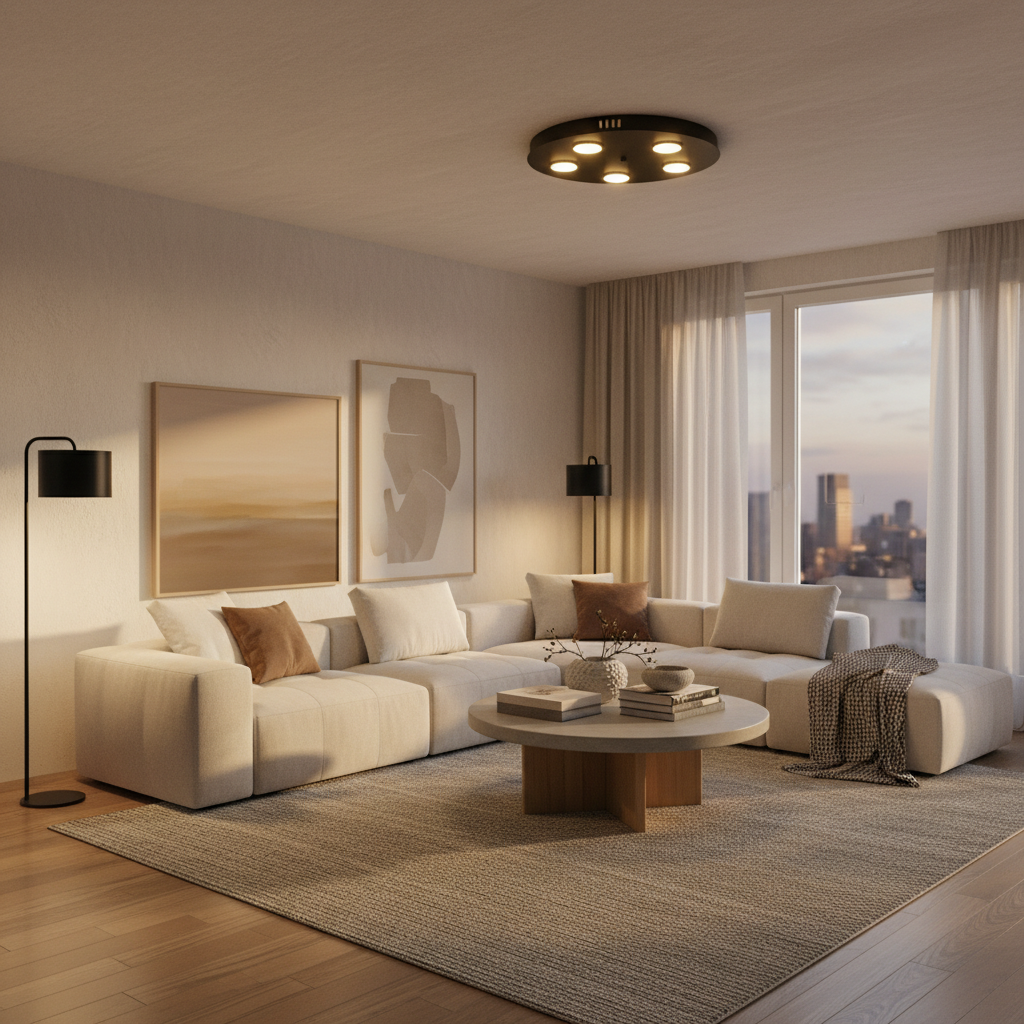
What “budget” smart bulbs should still do well
Cheap is fine, flaky is not. Even in the lower price tier, a smart bulb should cover a few non-negotiables, otherwise the “deal” disappears the first week you use it.
- Stable connection: Most budget bulbs use Wi‑Fi (often 2.4 GHz). If your bulb disconnects, you lose automation and voice control.
- Enough brightness: For general room lighting, many people feel comfortable around 800–1100 lumens per bulb, depending on room size and lamp shades.
- Decent white tones: Look for tunable white (warm to cool) if you care about daytime vs nighttime feel. Fixed “soft white” can work in bedrooms.
- Low-lag controls: A half-second delay is normal, multi-second delays get annoying fast.
- Reasonable app experience: You should be able to set schedules, scenes, and power-on behavior without digging through menus.
One more detail many shoppers miss: color bulbs are rarely as bright as white-only bulbs at the same price point. If you need real illumination, prioritize lumens first, then color.
Quick decision checklist (so you don’t overbuy)
Before you compare brands, decide what your room actually needs. This prevents the classic mistake of paying for features you never touch.
- Room purpose: living room and kitchen usually want brighter whites, bedrooms and media rooms usually want warmer dimming and scenes.
- Bulb base: E26 is most common in the US, but many ceiling fans, vanity bars, and accent fixtures use E12, GU10, or BR30.
- How you control lights: if you want wall-switch style control, plan for a smart switch or at least “power-on state” settings, not just app toggles.
- Voice assistant: Alexa, Google, or Apple Home matter because not every budget bulb supports every ecosystem equally well.
- Internet situation: older routers or crowded apartments can make Wi‑Fi bulbs feel unreliable, sometimes a hub-based option is calmer.
If you only want “warm dim at night” and “bright in the morning,” a tunable white bulb is often the best value. Color is fun, but many households stop using it after the first week.
Best budget smart bulb picks by room scenario
Instead of pretending there is one winner, it helps to match bulbs to the way you use a room. These are the categories that tend to satisfy most people shopping for the best budget smart bulbs for room lighting.
1) Everyday overhead lighting (bright, clean whites)
- Look for: 800–1100+ lumens, strong “cool white” option (4000–6500K), reliable schedules.
- Good fit: kitchens, home offices, hallways, kids’ rooms.
- Tip: if your fixture uses a shade or globe, don’t assume you need the highest lumens, diffusion can make moderate bulbs feel bright enough.
2) Living room ambiance (warm dim + a few scenes)
- Look for: smooth dimming, warm white around 2200–2700K, scene presets, and a good “movie night” low setting.
- Good fit: floor lamps, table lamps, sconces, open shelves.
- Tip: one color bulb in a corner lamp can do more for mood than replacing every bulb in the room.
3) Bedroom sleep-friendly setup (less blue at night)
- Look for: very warm options, gentle fade-in alarm routines, and a minimum dim level that actually goes low.
- Good fit: bedside lamps, nursery lamps.
- Safety note: if you use lighting changes for sleep or health concerns, it may help to discuss with a qualified professional, since routines affect people differently.
4) Accent and décor (color, strips, small lamps)
- Look for: color scenes, saturation, and whether the bulb handles “deep” colors without flicker.
- Good fit: gaming setups, plants, artwork, party lighting.
- Tip: for uplighting walls, brightness matters more than “perfect” color accuracy.
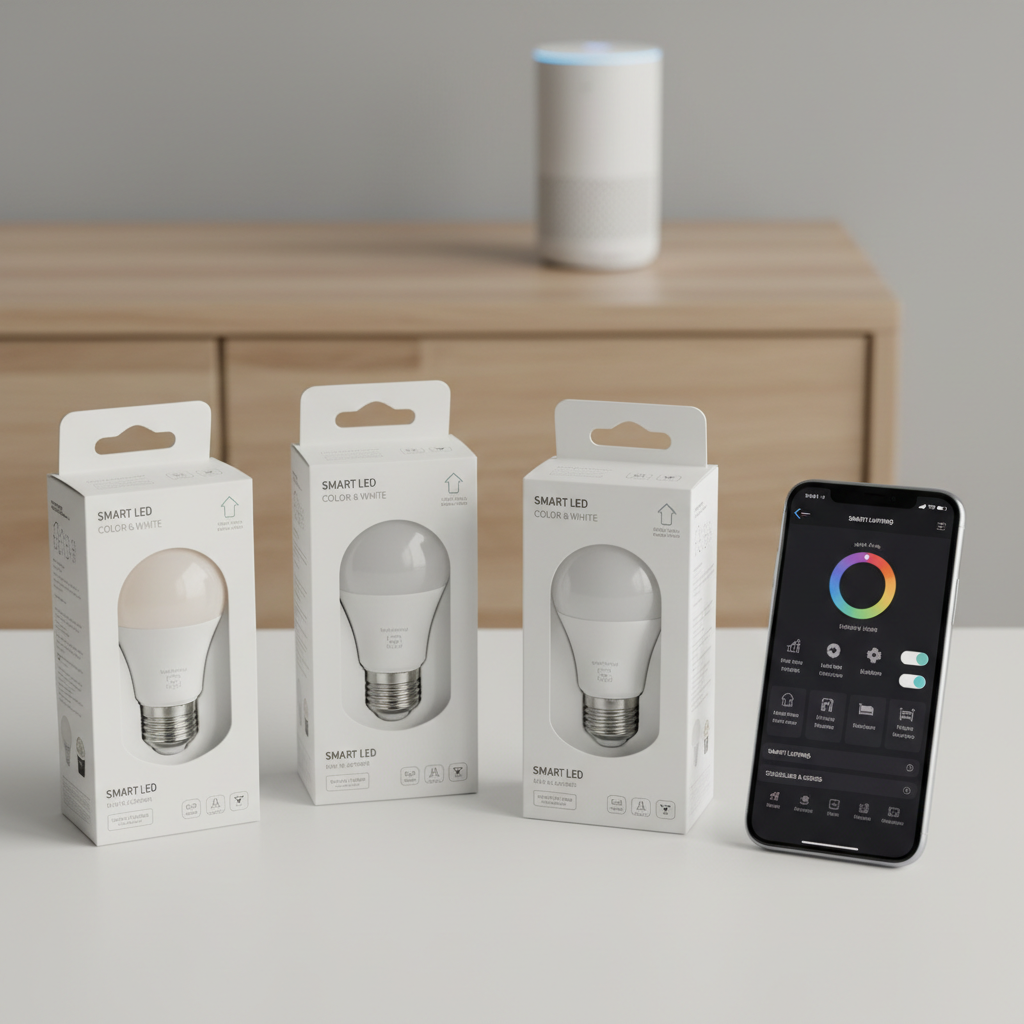
Comparison table: what to check before you click “buy”
This table is intentionally brand-neutral. The point is to help you compare listings quickly, especially when product pages hide the one spec you actually need.
| What you’re buying for | Specs to prioritize | Nice-to-have | Common gotcha |
|---|---|---|---|
| General room lighting | 800–1100+ lumens, stable Wi‑Fi, tunable white | Energy monitoring | Color bulbs that feel dim in white mode |
| Ambiance and scenes | Warm low-end dimming, scene presets | Music sync (sometimes) | Minimum brightness still too bright at night |
| Voice control | Works with Alexa/Google/Apple (verify) | Local control options | “Works with” claims that require extra hubs |
| Apartment Wi‑Fi stability | Hub-based (Zigbee/Thread) or strong Wi‑Fi implementation | Mesh Wi‑Fi support | 2.4 GHz requirement not mentioned clearly |
According to the U.S. Department of Energy, LED lighting uses less energy and lasts longer than older lighting types, which is part of why smart LEDs can be a sensible upgrade even when you keep your budget tight.
How to set up budget smart bulbs so they behave (real-world steps)
Most “my bulb is trash” reviews trace back to setup or network friction, not the LEDs themselves. These steps are boring, but they solve a lot.
Step-by-step
- Confirm 2.4 GHz Wi‑Fi: many budget models do not join 5 GHz networks. If your router merges bands, you may need to temporarily separate SSIDs.
- Name rooms like a normal person: “Living Room Lamp” beats “Light 1.” Voice control works better, and you avoid duplicate devices later.
- Set power-on behavior: if your app supports it, choose what happens after a power outage, last state vs default white.
- Build two scenes max at first: one bright, one cozy. Extra scenes can come later, but too many early settings often leads to confusion.
- Add schedules carefully: start with one morning on and one evening dim. If you stack routines across Alexa/Google and the bulb app, you can get conflicts.
If you share your Wi‑Fi with roommates or use captive portals in dorm-style housing, you might hit pairing issues. In those cases, a hub-based system or a travel-router setup may work better, but it depends on the building rules.
Common mistakes that make “budget” feel like “bad”
These are the patterns that waste money, even if the bulb itself is fine.
- Putting smart bulbs on a dimmer switch: many smart LEDs dislike traditional dimmers and can flicker or disconnect. If you need wall dimming, a smart dimmer switch is usually the better path.
- Expecting one bulb to light a whole space: open-plan rooms often need multiple points of light. One “bright” bulb in the wrong fixture still feels gloomy.
- Ignoring beam shape: A19 bulbs in recessed cans can look uneven. BR30 or PAR-style bulbs often look better for ceilings.
- Buying color when you needed white: color models are fun, but for work-from-home lighting, tunable white often wins on comfort.
- Overloading your router: lots of cheap Wi‑Fi devices can stress older routers. Sometimes a simple router upgrade does more than swapping bulbs.
According to UL Solutions, using the correct bulb type for the fixture and following product instructions matters for safety and performance. If your fixture is enclosed, verify the bulb is rated for enclosed fixtures to avoid overheating concerns.
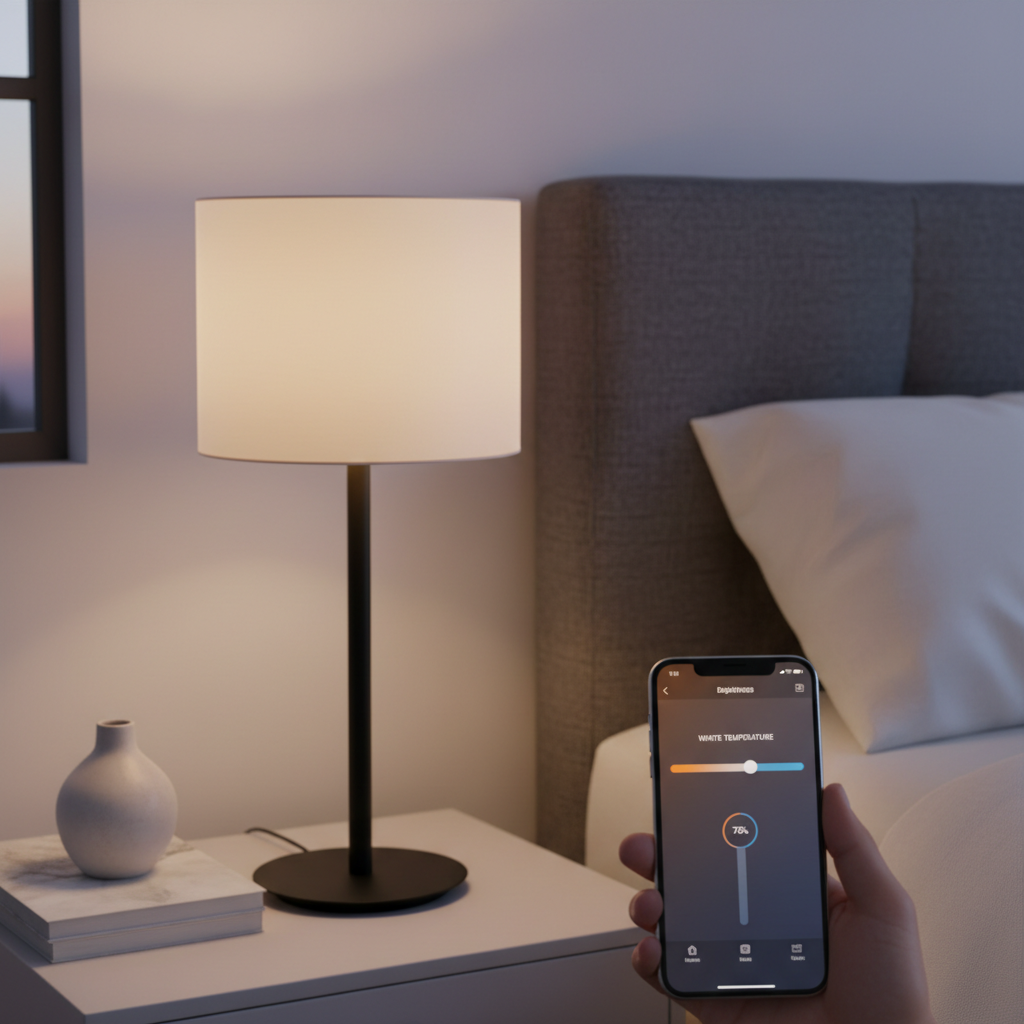
Practical buying strategy: spend where it matters, save where it doesn’t
If you are trying to get the best budget smart bulbs for room lighting, the smartest move is usually a mixed setup, not all one SKU.
- Use brighter white bulbs in ceiling fixtures and main lamps where you live most of your day.
- Add one or two color bulbs in corner lamps for ambiance, instead of converting the entire room.
- Standardize ecosystems within a room: mixing three apps sounds fine until someone in your house wants to turn on a light quickly.
- Buy multipacks for the boring areas: hallways, closets, and utility spaces rarely need fancy color features.
Also, read the return policy before you commit. Budget bulbs vary in app quality, and you can only learn so much from specs.
Key takeaways (quick recap)
- Brightness first: for room lighting, lumens matter more than flashy features.
- Tunable white is the value pick for most households, color is better as an accent.
- Match the bulb shape to the fixture, A19 vs BR30 vs GU10 is not a minor detail.
- Setup quality decides satisfaction: 2.4 GHz Wi‑Fi, clear device names, and simple schedules prevent most issues.
Conclusion: a “budget” bulb can still look premium in your room
You do not need the most expensive ecosystem to get pleasant lighting. If you pick the right brightness, choose tunable whites where you spend time, and keep color bulbs as accents, a budget setup can feel surprisingly polished.
Your next step is simple: check your fixtures and room goals, then buy one bulb to test in the toughest spot in the house. If it behaves there, scaling to the rest of the room becomes a safe bet.
FAQ
What brightness should I look for in budget smart bulbs for a living room?
For many living rooms, 800–1100 lumens per bulb is a comfortable starting range, but lampshades and ceiling height change the feel a lot. If your room still looks flat, adding a second light source often works better than buying a single ultra-bright bulb.
Are Wi‑Fi smart bulbs or hub-based bulbs better on a budget?
Wi‑Fi bulbs usually cost less upfront and are easy to start with. Hub-based options can feel more stable in crowded Wi‑Fi environments, but you pay for the hub, so it depends on how many bulbs you plan to add.
Do budget color smart bulbs look as bright as white-only bulbs?
Often, no. Many budget color bulbs look dimmer in certain colors and sometimes even in white mode compared with a dedicated white bulb. If the bulb is your main room light, prioritize lumens and white performance.
Can I use smart bulbs with a dimmer switch?
In many cases it causes flicker or unreliable behavior, because smart bulbs expect constant power. If you want wall control and dimming, a smart dimmer switch paired with dimmable LED bulbs may be a better route, and an electrician can advise for your wiring.
Why does my smart bulb keep going offline?
The usual culprits are weak 2.4 GHz signal, router band-steering issues, or too many devices on an older router. Moving the router, adding a mesh node, or reducing automation conflicts between apps often helps.
Do smart bulbs save money on electricity?
LED bulbs are generally efficient, and smart features can reduce wasted runtime through schedules and timers. The savings depend on your habits and local rates, so it is best viewed as a convenience and comfort upgrade that may also reduce usage.
What is the easiest “first automation” to set up?
A simple sunset routine is the one most people keep: lights turn on warm and low in the evening, then turn off at a set time. It improves ambiance without requiring you to remember voice commands.
If you are trying to light a whole room on a budget and want a more “set it and forget it” plan, it can help to map your fixtures, pick one ecosystem, and test one bulb first before buying a multi-pack, that small step prevents most regret purchases.