
Smart technology is most useful at home when it solves a specific daily annoyance, not when you buy a bunch of gadgets and hope they magically “sync.” If you want fewer chores, lower bills, and a safer setup, the trick is picking a small system that plays nicely together, then expanding only after it proves itself.
A lot of people in the U.S. start with a voice assistant or a video doorbell, then hit the same wall: apps everywhere, devices dropping offline, and automations that work… until they don’t. This guide focuses on practical, low-friction ways to use connected devices, basic smart home automation, and a few AI-powered systems without turning your home into an IT project.
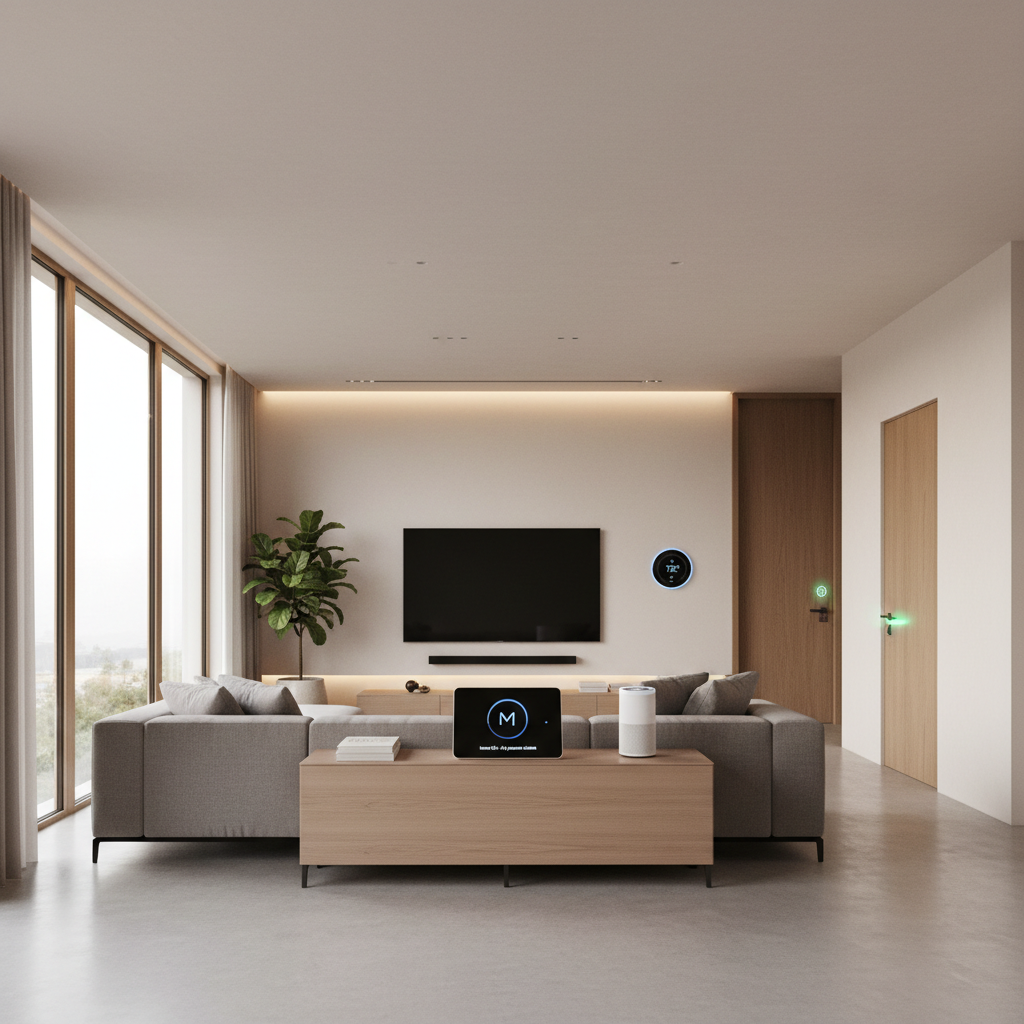
You’ll also see where newer pieces like edge computing and local control matter, what to automate first, and how to avoid the common “smart, but annoying” outcomes. Expect checklists, a device compatibility table, and a few “do this, not that” recommendations that reflect how homes actually run.
Start with outcomes: what you want your home to do
Before you choose brands or platforms, decide what “smart” means for your household. In real homes, most wins fall into three buckets: convenience, cost control, and safety.
- Convenience: lights that follow routines, voice assistant integration for timers and reminders, fewer manual steps for everyday tasks.
- Cost control: home energy management that reduces heating/cooling waste, smart plugs that cut phantom loads, usage visibility.
- Safety: intelligent security systems, leak detection, smoke/CO monitoring, better awareness when you’re away.
If you’re unsure, pick one primary goal for the next 30 days. Smart technology tends to disappoint when it tries to “do everything” from day one.
Choose your ecosystem: interoperability beats “cool features”
Most frustration comes from incompatibility, not from the device itself. Your best move is picking an ecosystem that can serve as the “spine” for your home.
In the U.S., common starting points include Apple Home, Google Home, Amazon Alexa, and hub-based platforms. Many households now also look for Matter support (a newer interoperability standard) to reduce brand lock-in, though device support can vary by category and model year.
According to NIST, connected device security depends heavily on basic practices like regular updates and strong authentication, so your ecosystem choice should also reflect which platform you’ll actually keep updated and managed.
Quick compatibility table (what usually works well)
| Home goal | Recommended “anchor” device | What to check before buying | Common pitfall |
|---|---|---|---|
| Lighting convenience | Smart dimmer switch or hub + bulbs | Neutral wire needs, Matter/Hub support, group control | Mixing bulb brands causes inconsistent scenes |
| Energy savings | Smart thermostat | HVAC compatibility, multi-zone support, remote sensors | Wrong wiring or unsupported system type |
| Entry security | Video doorbell + smart lock | Wi‑Fi signal at door, local storage options, battery life | Weak Wi‑Fi leads to missed events |
| Leak prevention | Water leak sensors + shutoff (optional) | Alert latency, siren volume, battery replacement | Putting sensors too far from leak points |
High-impact automations that don’t feel gimmicky
Good smart home automation feels boring in the best way: it quietly reduces decisions. These are the ones that typically earn their keep.
- “Good night” scene: lock doors, turn off lights, set thermostat, arm security mode.
- Arrival lighting: porch light on at sunset, entry lights on when your phone is nearby (with manual override).
- Leak alert escalation: push notification plus a loud local alarm, and if you’re often away, a secondary contact.
- HVAC scheduling with reality checks: weekday schedule + occupancy sensor or geofence, but avoid rapid temperature swings.
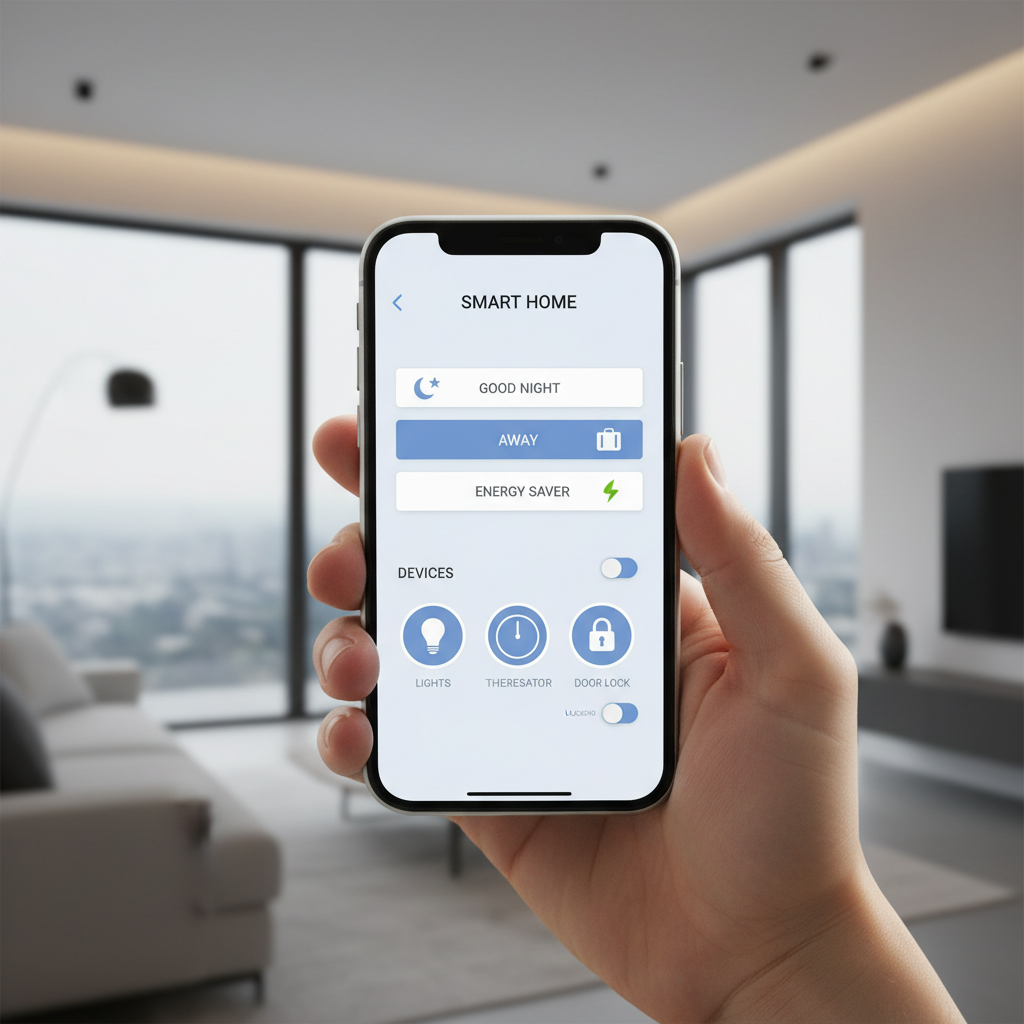
One practical rule: if an automation might lock someone out, turn something off unexpectedly, or affect safety, keep it “assistive” rather than fully automatic. For example, send a prompt to lock the door instead of auto-locking at a strict time, at least until you trust the routine.
Home energy management: where savings usually come from
Home energy management sounds fancy, but most households see results from a few repeatable moves: control HVAC better, reduce standby power, and make usage visible enough to change behavior.
Practical steps (in a weekend)
- Install a smart thermostat if your system supports it, then set schedules you can actually live with.
- Add one or two remote sensors if your home has hot/cold spots, many systems support this.
- Use smart plugs for obvious offenders: space heaters (with caution), entertainment centers, and older appliances with standby draw.
- Set “away” rules that reduce HVAC load and non-essential lighting, but keep pet/pipe needs in mind.
According to ENERGY STAR, heating and cooling often represent a major portion of household energy use, so HVAC-focused smart technology tends to beat “smart everything” shopping sprees. Your mileage will vary based on climate, insulation, and how your home is used.
Security and privacy: make it safer without making it creepy
Intelligent security systems can improve awareness, but they also introduce more cameras, microphones, and cloud accounts. Treat security as a design choice, not an impulse buy.
Baseline security checklist (worth doing early)
- Use unique passwords for your router and primary accounts, and enable multi-factor authentication when available.
- Create a guest Wi‑Fi network for visitors and some IoT solutions, it helps contain risk if a device is weak.
- Prefer local processing/storage when practical, this is where edge computing can help by keeping some events and recognition on-device.
- Update firmware monthly or enable automatic updates if you trust the vendor’s track record.
According to CISA, many compromises start with poor password hygiene and unpatched devices, so the “boring” admin work is part of smart technology ownership. If you’re setting up cameras or a monitored alarm, local regulations and HOA rules can also apply, and it’s worth checking before mounting hardware.
Reliability troubleshooting: why devices drop and how to fix it
If your connected devices randomly go offline, it’s usually not the device “being bad,” it’s the network being overloaded, poorly placed, or misconfigured.
Self-check: what’s most likely happening in your house
- Dead spots: doorbells and outdoor cams sit at the edge of Wi‑Fi coverage, add a mesh node or reposition the router.
- Too many devices on one band: move high-bandwidth gear to 5 GHz where possible, keep simpler sensors on 2.4 GHz if required.
- Router fatigue: older ISP routers struggle with many endpoints, consider a modern router or mesh system.
- Cloud dependency: if the internet drops, some features stop; prioritize devices with local fallback for critical routines.
One underrated upgrade is not “another gadget,” it’s network stability. When the network is steady, smart home automation stops feeling like a hobby and starts feeling like infrastructure.
Wearables and the bigger picture: from home to smart cities
Wearable tech can play a useful supporting role at home, especially for notifications, quick voice actions, and presence detection. It’s also where many people first get comfortable with AI-powered systems like on-device voice processing or health prompts.
Just keep boundaries clear: wearables and home systems can share signals, but you control how much. Disable cross-app permissions you don’t need, and avoid automations that expose sensitive routines (for example, broadcasting when you’re not home).
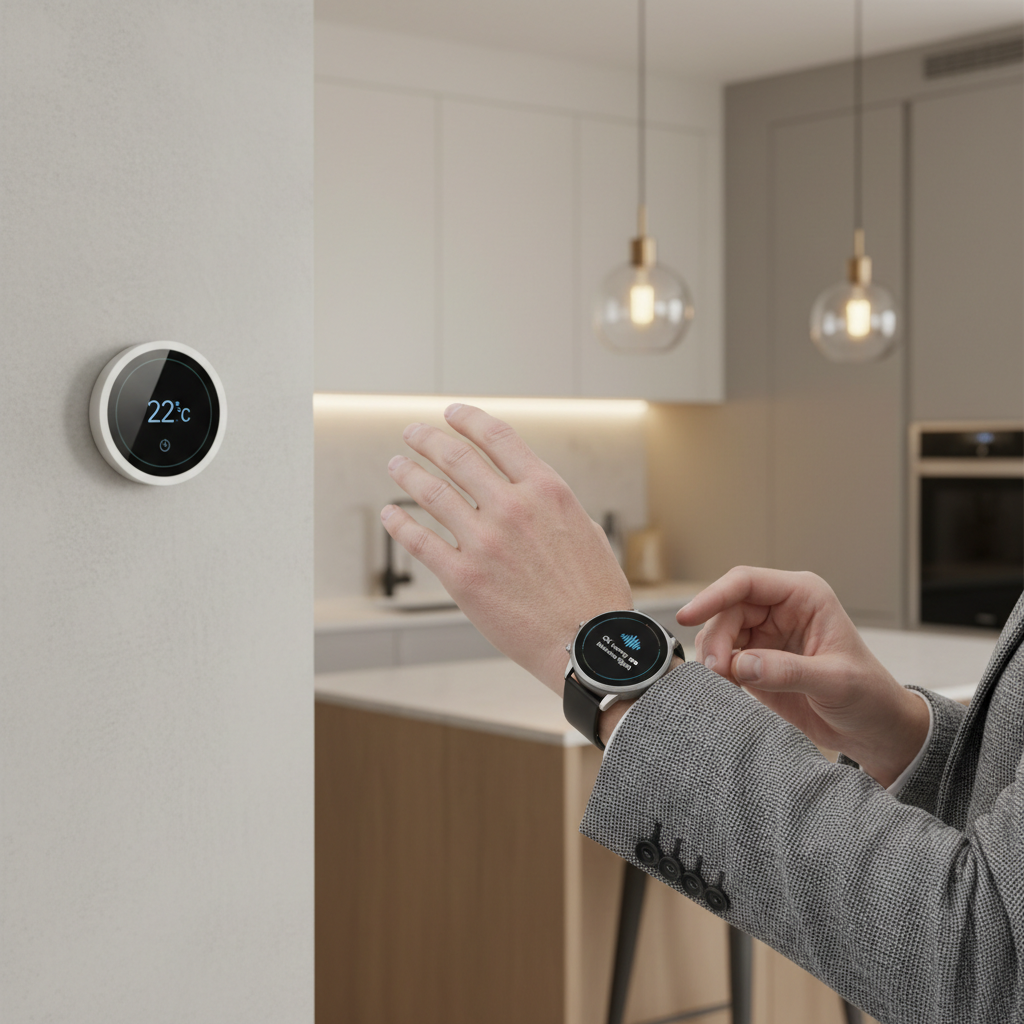
Zooming out, many of the same building blocks show up in smart city infrastructure: sensors, connectivity, edge computing, and centralized management. You don’t need a “city-scale” setup at home, but the lesson carries over, systems work better when they’re interoperable, secured, and designed around reliability rather than novelty.
Practical buying plan: a 30-day rollout that avoids regret
If you want a straightforward path, this staged approach reduces waste and keeps smart technology aligned with real needs.
Week 1: pick the spine
- Choose your primary platform and set up voice assistant integration.
- Harden accounts: MFA, password manager, guest Wi‑Fi.
Week 2: automate one daily routine
- Start with lighting or a “good night” scene, keep it simple.
- Test reliability for a full week before adding more.
Week 3: add energy controls
- Thermostat scheduling and one smart plug area, then review results.
Week 4: tighten security
- Add intelligent security systems where they matter: entry points, packages, leak sensors.
- Review privacy settings and retention periods.
Key takeaways (save this before you shop)
- Start with one goal, then build outward only after it proves useful.
- Interoperability matters more than flashy features, reduce app sprawl.
- Network reliability is a hidden foundation for most IoT solutions.
- Energy wins often come from HVAC and visibility, not from “smart everything.”
- Security hygiene (updates, MFA, segmentation) is part of the product.
Conclusion: make smart feel calm, not complicated
Smart technology works best when it fades into the background, your home runs smoother, your energy habits get easier, and your security improves without extra stress. Pick an ecosystem you can maintain, automate one routine that removes friction, then expand with intention.
If you want a simple next step, choose one automation to implement this week, then spend 10 minutes tightening device security and Wi‑Fi reliability. That combination tends to beat any single “must-have” gadget.