
Best wireless chargers for multiple devices usually come down to one thing you feel every day: fewer cables on the nightstand, and fewer “which brick goes with what” moments when you travel or work.
But buying the wrong one is also easy, a pad that overheats, a stand that won’t align your phone’s coil, or a “3-in-1” that only charges one item well. The good news is you can avoid most misses if you know what to check before you click Buy.
This guide breaks down the real-world differences between multi-device wireless chargers, includes a quick comparison table, and gives you a simple decision path based on what you charge, how fast you expect it to charge, and where you plan to use it.
What “multiple devices” really means (and why specs can mislead)
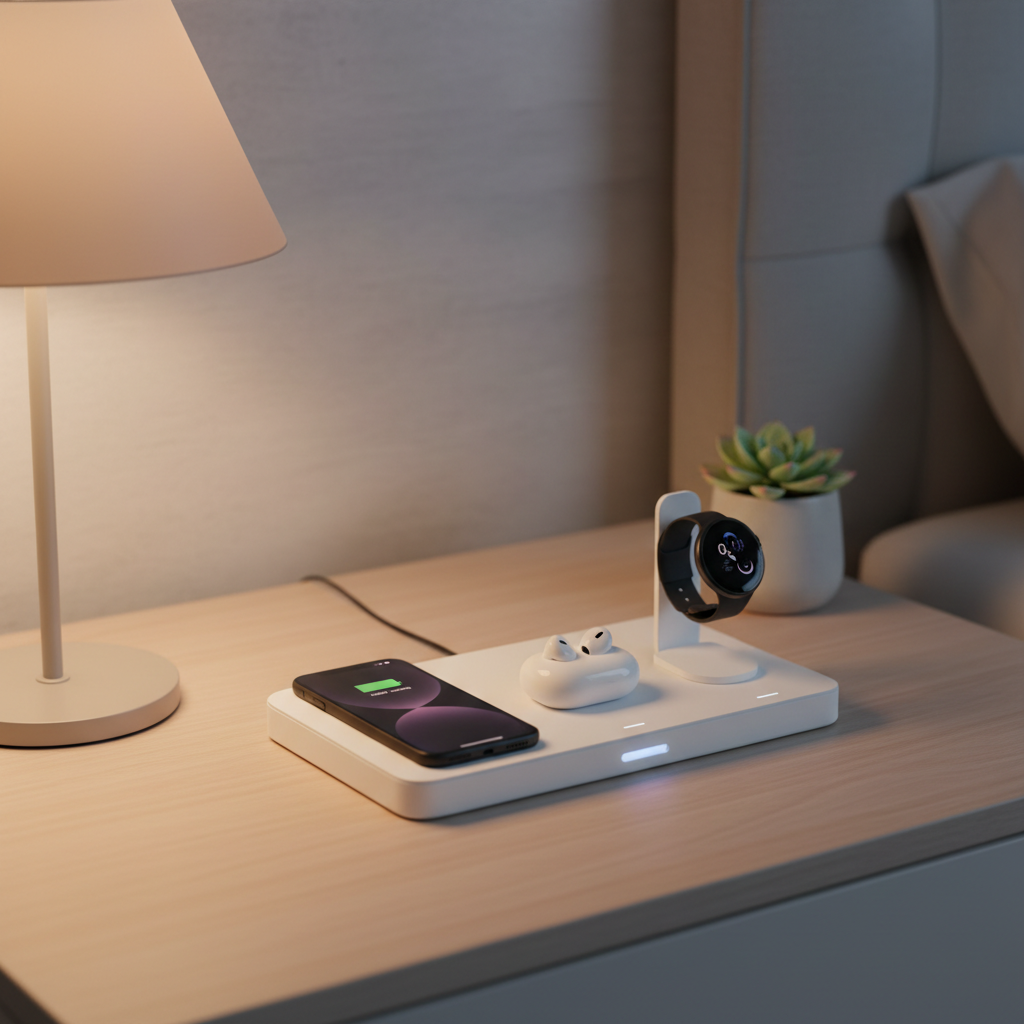
When a listing says it charges “multiple devices,” it can mean very different hardware layouts: a single large pad that fits two phones, a 2-in-1 phone + earbuds setup, or a true 3-in-1 for phone + earbuds + watch.
Here’s the catch: wireless charging is fussy about alignment and supported charging profiles. A great-looking stand may still be frustrating if your phone shifts a half inch and drops to a trickle.
- Pad vs stand: Pads are flexible for placement, stands are better for Face ID and desk use, but can be pickier about coil alignment.
- “15W” marketing: Many chargers advertise 15W, but your phone might only accept 7.5W or 10W depending on model and protocol.
- Watch charging: Apple Watch charging is not standard Qi, so “3-in-1” devices vary a lot in quality and certification.
According to the Wireless Power Consortium (WPC), Qi certification is meant to help ensure interoperability and basic safety requirements, which is why checking certification is more than a badge, it can save headaches.
Quick comparison table: choose by your setup
If you want a fast filter before reading deeper, use this table to match your typical carry to the right style of charger. It’s not “one winner,” it’s the shortest path to a good fit.
| Typical devices | Best charger type | Best place to use | What to watch out for |
|---|---|---|---|
| 2 phones | Dual-pad (two coils) | Kitchen counter, shared desk | Phone spacing and case thickness |
| Phone + earbuds | 2-in-1 pad/stand combo | Nightstand, office | Earbuds spot often low watt, slow |
| iPhone + Apple Watch + AirPods | 3-in-1 with watch module | Nightstand, travel | Watch charging quality varies widely |
| Android phone + Galaxy Watch + buds | 3-in-1 Qi pad + watch puck | Desk, dresser | Watch compatibility, coil placement |
| Frequent travel (hotel/airport) | Foldable 2-in-1 or 3-in-1 | Carry-on | Needs a strong power adapter |
Key buying factors that actually matter (not just wattage)
When people search for best wireless chargers for multiple devices, they often focus on max watts. In daily use, a few other things create the “this is smooth” experience.
- Certification and ecosystem fit: Qi (WPC) for phones/earbuds, plus the right watch solution for your smartwatch model.
- Power adapter requirements: Many multi-device docks need a 20W–45W USB-C adapter to perform as advertised, and some boxes do not include one.
- Coil design and alignment help: Multiple coils or magnetic alignment (for MagSafe-style setups) reduces “wake up to 20%” surprises.
- Thermal management: A thicker dock with better ventilation may charge more consistently than an ultra-slim pad, especially overnight.
- Case and camera bump tolerance: Thick cases, metal rings, or big camera modules can prevent full contact and slow charging.
Best use-cases: which multi-device charger style fits your life
Nightstand setup (set it and forget it)
Nightstands reward stability over raw speed. A 3-in-1 stand keeps your phone readable, your earbuds contained, and your watch predictable, assuming the watch module is built well.
- Pick a stand if you use Face ID at bedtime or want an always-on clock view.
- Prioritize non-slip surfaces and clear device “parking spots.”
Desk setup (charging while working)
At a desk, you’ll notice alignment issues faster because you pick up and put down your phone constantly. Stands with magnetic alignment or multi-coil pads tend to feel less annoying.
- If your phone supports magnetic alignment, it can reduce misplacement.
- If you take calls on speaker, a stable angle matters more than you think.
Family/shared area (two phones, mixed brands)
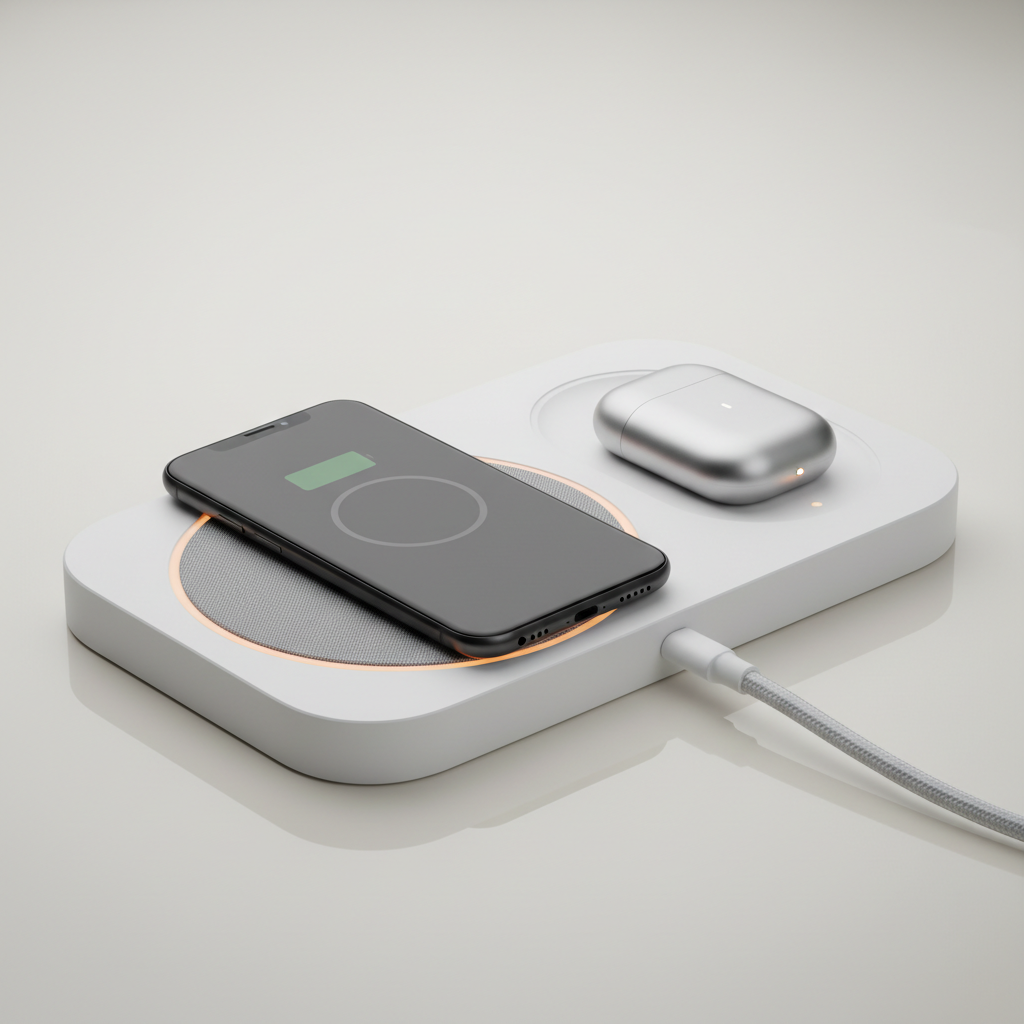
For kitchens and entry tables, dual-phone pads are the quiet hero. They are usually more compatible than watch-centric docks, and they reduce “who stole my cable” friction.
- Look for two clearly separated zones with independent coils.
- Make sure the total power budget supports two devices at once.
Travel (foldable and predictable)
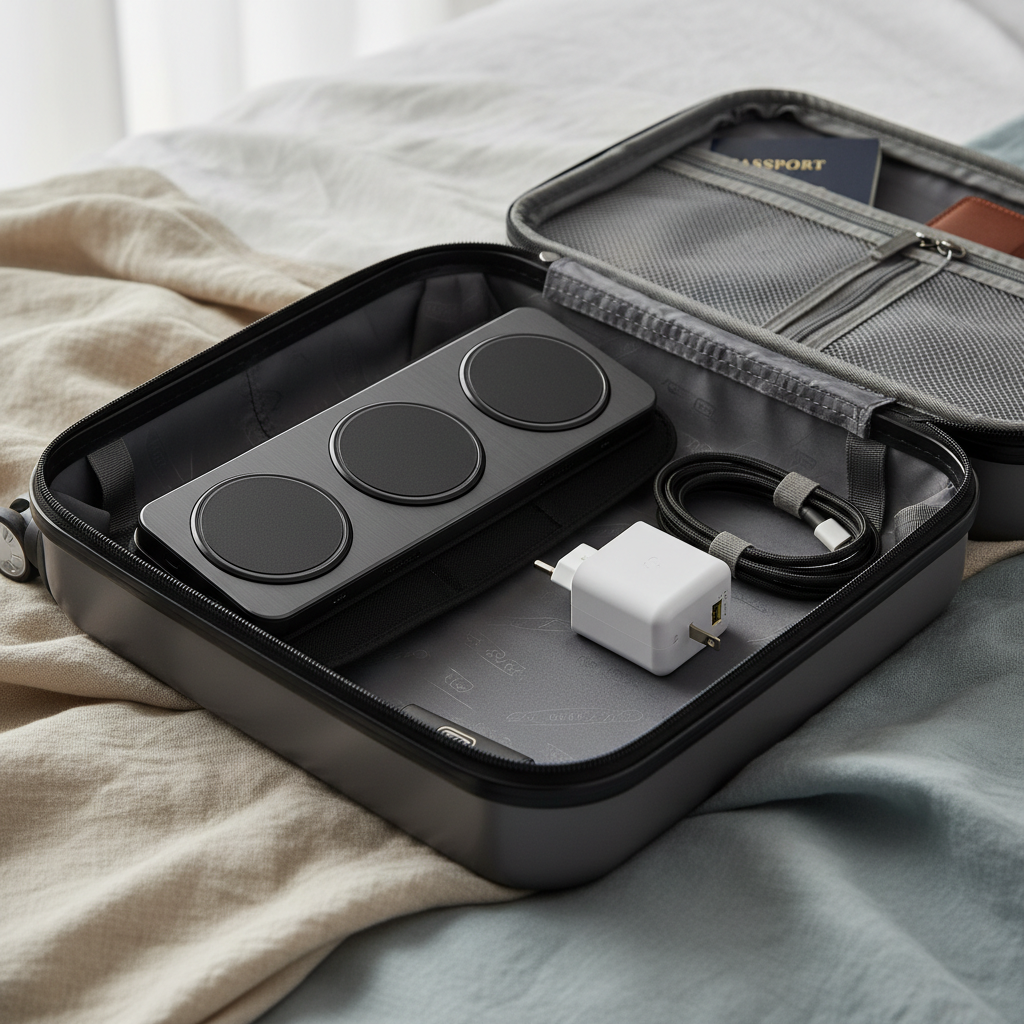
Travel models win when they fold flat and accept a single USB-C input, but they’re sensitive to the power brick you bring. If your charger expects higher wattage and you plug into a low-power port, performance drops.
- Bring a known-good USB-C PD adapter in your bag.
- Prefer models with a grippy surface so devices don’t slide on hotel nightstands.
Self-check: a 2-minute checklist before you buy
Use this as a quick sanity check. If you can answer these, you’ll usually land on the right category of multi-device charger without overpaying.
- What are you charging together? Phone + earbuds, two phones, or phone + earbuds + watch.
- Which watch? Apple Watch vs other brands can change the whole dock choice.
- Do you need speed or convenience? Overnight charging is forgiving, “top-up before leaving” is not.
- Case thickness and accessories? Thick case, wallet attachment, metal ring, pop socket often cause problems.
- Where will it live? Bedside, desk, shared counter, or travel bag.
If you’re unsure, it’s often safer to buy a solid 2-in-1 for phone + earbuds first, then add a dedicated watch charger you already trust.
Practical setup tips (so it charges the way you expect)
Even the best wireless chargers for multiple devices can feel underwhelming if the setup is off. A few small choices make charging more consistent.
- Use the right power adapter: If the dock recommends a certain wattage, follow it, underpowering is a common reason for slow charging.
- Remove magnetic wallets and metal plates: They can interfere with charging and may increase heat.
- Position once, then mark the sweet spot: On flat pads, you can learn the “drop zone” that reliably charges.
- Keep vents clear: Docks that run warm need airflow, avoid burying them under papers or fabric.
- Don’t stack devices: Charging two items on one coil area rarely works well, even if it “kind of” starts.
Safety and common misconceptions (worth 60 seconds)
Wireless charging is generally designed with safety features, but heat is still the practical issue people notice. If a dock regularly gets hot to the touch, or your phone warms more than usual, it’s a sign to reassess placement, case choice, or charger quality.
- Myth: higher watts always means faster charging. Your phone controls intake, and some docks only hit peak speed with specific devices.
- Myth: any “3-in-1” is truly universal. Watch charging in particular can be brand-locked or vary by generation.
- Reality: heat and charging speed are linked. Many devices slow down to manage temperature, which can look like “the charger is weak.”
According to the U.S. Consumer Product Safety Commission (CPSC), consumers should follow manufacturer instructions and stop using accessories that show signs of overheating or damage. If you notice unusual heat, a smell, or swelling, it’s reasonable to stop using the setup and, if needed, consult a qualified technician or the device maker.
Conclusion: a simple way to pick confidently
If you want less clutter with fewer compromises, pick the charger style that matches your daily pairing, then verify three basics: compatibility, power requirements, and alignment stability. That combination matters more than chasing a big watt number on a product page.
Action steps: make a quick list of the exact devices you charge together, then choose either a dual-phone pad, a phone+earbuds dock, or a true 3-in-1 only if your watch support looks solid and well-reviewed for your model.
FAQ
What should I look for in the best wireless chargers for multiple devices?
Start with device compatibility and charging layout, then confirm the power adapter requirement. If alignment is a pain for you, prioritize magnetic alignment or a multi-coil design.
Do multi-device wireless chargers charge slower than single chargers?
Often, yes, especially when two or three devices charge at once and share a power budget. For overnight use it rarely matters, but for fast top-ups it can.
Will a thick phone case prevent wireless charging?
Many cases work fine, but thicker or rugged cases can reduce efficiency, and metal accessories are the bigger problem. If you see frequent start-stop behavior, testing without the case is a quick check.
Are 3-in-1 chargers safe to leave plugged in overnight?
Many people do, and devices typically manage charging to reduce risk, but quality varies. If a charger runs unusually hot or looks poorly built, it’s smarter to replace it than to “see if it’s fine.”
Do I need Qi2 to charge multiple devices?
No, but Qi2-style magnetic alignment can make placement more reliable. If you often miss the coil on flat pads, newer alignment-focused options can feel like an upgrade.
Can I charge two phones on one big pad anywhere I place them?
Not reliably. Dual-phone pads usually have two defined coil zones, and phones need to sit in those zones to charge consistently.
Why does my phone say it’s charging but the battery percentage barely moves?
Heat, misalignment, or underpowered adapters are common causes. Try a higher-watt USB-C PD adapter that matches the dock requirement, and check whether your phone sits flat without a wallet or metal ring.
If you’re trying to clean up a nightstand or desk and keep running into compatibility or “slow charging” surprises, it may help to map your exact device mix first, then choose a charger category that fits that mix instead of chasing a generic 3-in-1 promise.