
Best budget mechanical keyboards silent picks usually come down to one thing: managing expectations, then buying the right switch feel and case design for your space. You can absolutely get a quieter board on a tight budget, but “silent” on a product page often means “less loud,” not “near-mute.”
If you type in an office, share a room, stream on a mic, or game late at night, noise becomes a quality-of-life issue fast. The trick is knowing what actually reduces sound (switch dampening, stabilizers, case resonance) versus what just changes pitch.
This guide helps you narrow down what to buy and what to ignore, with a quick comparison table, a practical checklist, and a few easy upgrades that often matter more than paying for a premium brand name.
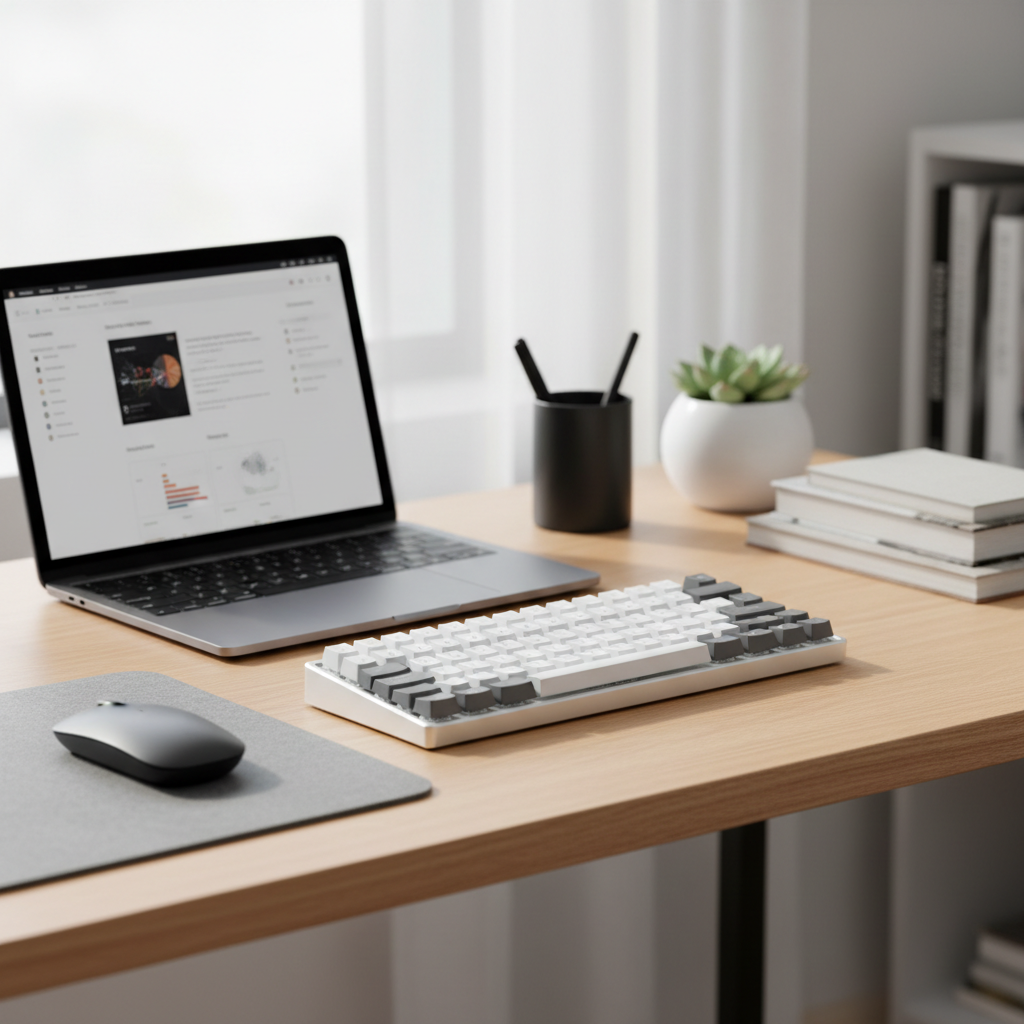
What “silent” really means on a budget
A truly silent mechanical keyboard is rare; most “quiet” boards simply reduce the sharp clack and bottom-out thud. In real rooms, what people notice is peak noise (sudden clicks) and case echo (hollow sound that travels).
In practice, budget-friendly quiet boards usually rely on one of these:
- Silent linear switches: smooth travel with built-in dampeners that soften bottom-out and return.
- Silent tactile switches: a bump for feedback, also dampened, often a touch louder than silent linears.
- Standard linears + accessories: a non-silent switch made quieter with O-rings, pads, foam, and better stabilizers.
According to OSHA, hearing risk is tied to sustained exposure at higher decibel levels, and keyboards typically sit far below hazardous ranges. Still, noise fatigue and distraction are real, so the goal here is comfort and courtesy, not “medical-grade” sound reduction.
Quick comparison: features that matter most
When people shop for the best budget mechanical keyboards silent, they often over-focus on the word “mechanical” and under-focus on build choices that change the sound profile. This table keeps it grounded.
| What you’re choosing | Why it affects noise | Budget-friendly target |
|---|---|---|
| Switch type | Silent stems/dampeners reduce bottom-out and upstroke | Silent linear or silent tactile |
| Mount & case | Hollow cases amplify sound; dense cases absorb it | Heavier case, less “hollow” ping |
| Stabilizers | Rattle on space/enter is often louder than switches | Pre-lubed or decent factory stabs |
| Keycaps | Thicker caps lower pitch and reduce slap | Thick PBT if possible |
| Hot-swap support | Lets you swap into quieter switches later | Hot-swap sockets (5-pin preferred) |
| Wireless mode | Not a noise factor, but big for office convenience | 2.4GHz + Bluetooth, or wired only if cheaper |
How to tell what kind of “quiet” you actually need
Before you buy anything, decide what you’re trying to prevent. Different noise problems call for different fixes.
- You share a room (partner/roommate): prioritize silent switches and stabilizer quality, because sudden peaks wake people up.
- You’re on calls all day: focus on lower-frequency sound and less rattle, because mics catch clacks differently than ears do.
- You just hate sharp clicks: avoid clicky switches entirely; a “quiet clicky” is still clicky.
- You type heavy: silent linears help, but case dampening and a desk mat often matter just as much.
Fast self-check: if your spacebar already annoys you on a cheap board, swapping the whole keyboard without thinking about stabilizers often leaves you disappointed.
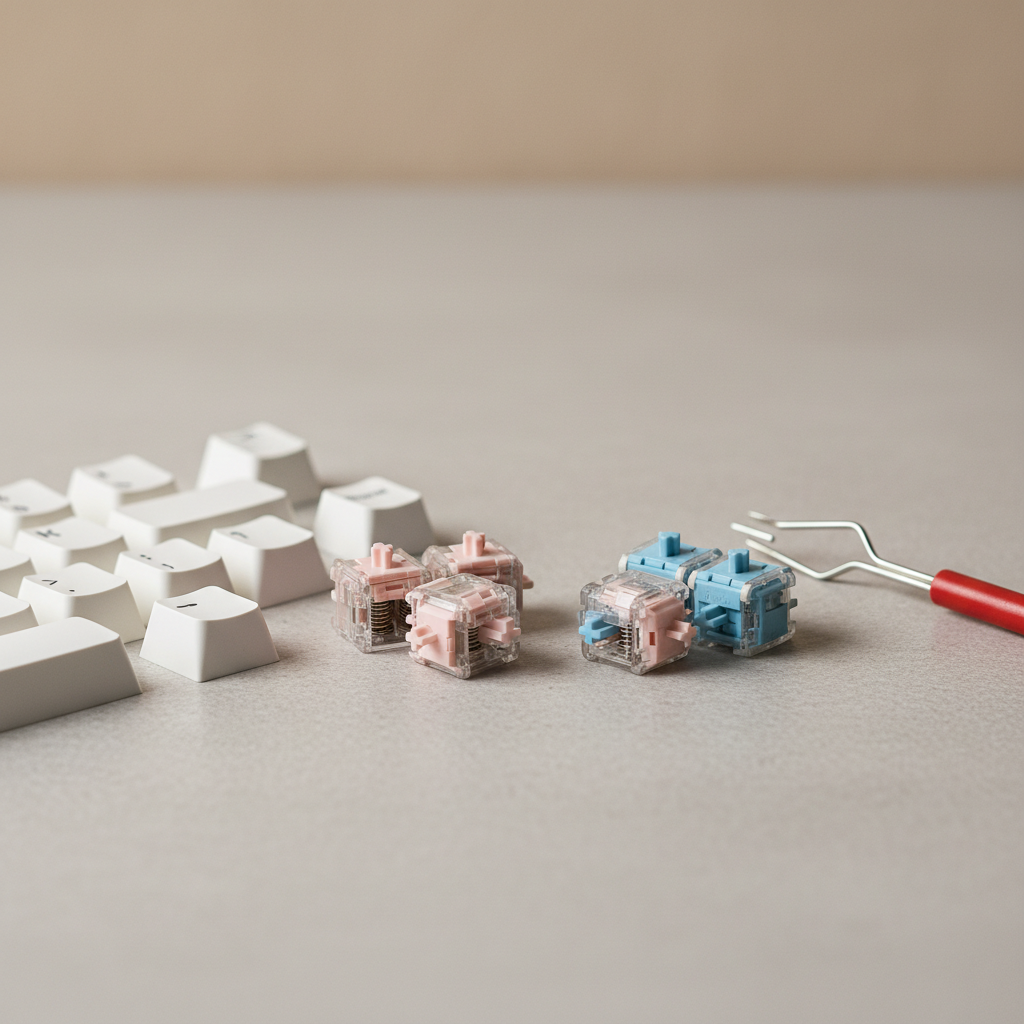
What to look for when shopping (and what to ignore)
Product listings love vague phrases like “thocky,” “creamy,” or “quiet typing experience.” Some of that is real, but it’s not standardized. Here are signals that tend to be more reliable.
Green flags
- Explicit “silent” switch naming (silent red/brown equivalents, or clearly labeled dampened switches).
- Hot-swap if you’re not 100% sure on feel; it’s your escape hatch.
- Factory-lubed stabilizers (even if it’s not perfect, it usually beats dry rattle).
- Included case foam or plate foam, or at least a design with minimal hollowness.
Yellow flags (not bad, just marketing)
- “Gaming keyboard” claims: mostly irrelevant to noise.
- RGB: fun, but doesn’t make anything quieter.
- “Sound test” videos: useful, but they vary by mic, desk, and compression.
Also, keep layout in mind. A compact board can sound quieter simply because there’s less case volume, but smaller layouts sometimes come with cheaper stabilizers, so it’s a trade.
Practical ways to get a quieter board without overspending
If you buy budget, assume you may need one small tweak. The good news: the highest-impact tweaks are usually inexpensive and beginner-friendly.
Scenario A: You’re buying a new keyboard
- Choose silent linears if you want maximum noise reduction and don’t need tactile feedback.
- Choose silent tactiles if you type better with a bump, and accept a bit more sound.
- Prefer thicker keycaps when pricing is close; they often reduce harshness.
- Budget for a desk mat; it cuts desk resonance more than people expect.
Scenario B: You already own a mechanical keyboard
- Add a desk mat first, then test again. It’s the easiest “why didn’t I do this sooner” change.
- Tame the stabilizers: if spacebar/enter rattle, a little stabilizer tuning (or replacement) can be the biggest win.
- Try O-rings carefully: they reduce bottom-out travel and sound, but can make typing feel mushy. Many people end up removing them.
- Switch swap (if hot-swap): moving to dampened switches often delivers the clearest noise drop.
Scenario C: Your mic is picking up everything
- Move the mic farther, lower input gain, and use a noise gate if your setup allows.
- Put the keyboard on a mat and avoid hollow desks that act like drums.
- Consider silent switches plus stabilizer tuning; mics exaggerate rattle.
According to FCC guidance on wireless device compliance, certified peripherals should meet interference requirements, but real-world performance still varies by environment. If you’re on video calls, stable 2.4GHz dongle performance often feels simpler than Bluetooth, though it depends on your device and office RF noise.
Common mistakes that keep “quiet builds” loud
Most frustration comes from fixing the wrong layer of the sound.
- Buying “brown” switches expecting silence: tactiles without dampening are usually not quiet, just non-clicky.
- Ignoring stabilizers: your spacebar can be louder than every other key combined.
- Overdoing foam: too much dampening can make the board feel dull or inconsistent, and sometimes adds unwanted compression noise.
- Chasing one sound signature: “thock” is subjective, and budget cases vary a lot. Aim for “less annoying,” not perfection.
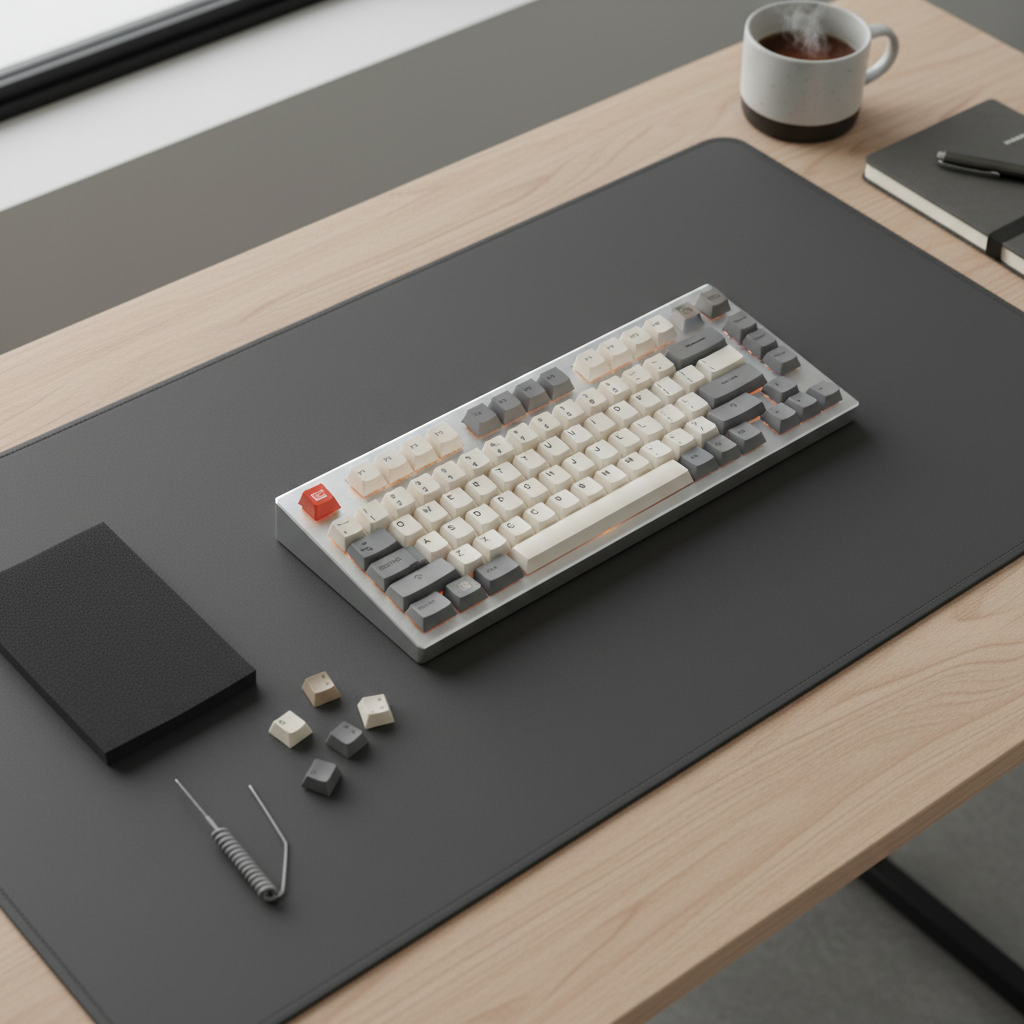
Buying checklist: a simple way to pick confidently
If you want a quick filter for best budget mechanical keyboards silent options, use this and stop doom-scrolling listings.
- Must-have: silent switches (or hot-swap so you can add them), acceptable stabilizers, return policy.
- Nice-to-have: thicker PBT keycaps, included foam, removable USB-C cable.
- Only if needed: wireless modes, knob, macro layers, fancy RGB.
Key point: on a tight budget, one “nice-to-have” feature often replaces another. I’d usually trade heavy RGB for better stabilizers and a less hollow case, because that’s what you hear every minute.
Conclusion: the quietest budget path is usually “silent switches + fewer weak links”
If your goal is a calmer typing sound, focus on silent linears or silent tactiles, then make sure the stabilizers and case don’t sabotage the result. In many setups, a desk mat and basic tuning get you 70% of the benefit without paying premium prices.
If you’re shopping today, pick a board that either ships with dampened switches or supports hot-swap, then plan one small upgrade you’re comfortable doing. That combination tends to be the most reliable route to a quieter daily driver.
If you want, share your budget range, layout preference (60/65/TKL/full), and whether you’re on calls often, and I can help narrow what features matter most for your specific room.