Stay updated with global AI innovation news every day.

  • Blog
    News

accessibility

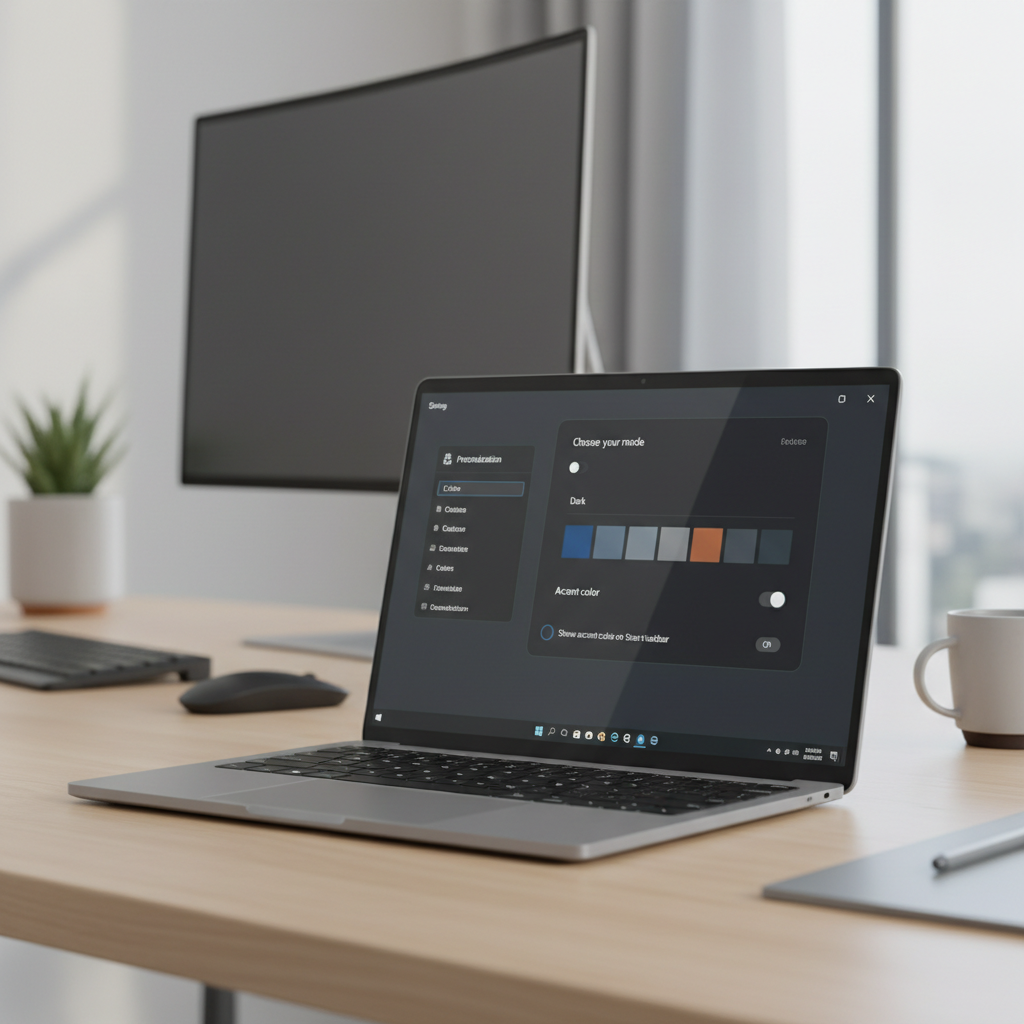
  • Windows 11 Settings app showing Personalization and Colors options for Dark Mode

    How to Enable Dark Mode on Windows 11

    How to Enable Dark Mode on Windows 11

    how to enable dark mode on windows 11: stop eye-strain from bright screens and switch your system and apps to a cleaner, comfortable dark theme in minutes.

    last month
    12
    troubleshootingwindows 11dark modepersonalization settingsaccessibility

Search

Recommended Reading

  • Modern smart home setup with connected devices and voice assistant hub
    Smart Technology: Practical Ways to Use It at Home
    last month
    16 Views
  • Midjourney prompt planning for art styles and composition
    Best Midjourney Prompts for Art
    last month
    16 Views
  • Budget webcam setup for Zoom calls on a home desk
    Best Budget Webcams for Zoom & Streaming
    last month
    16 Views
  • Android Developer options menu showing USB debugging toggle
    How to Enable USB Debugging on Android
    last month
    15 Views
  • Android phone showing temperature warning while charging on a desk
    How to Fix Overheating Android Phone
    last month
    14 Views

New Articles

  • Windows PC restart troubleshooting checklist on a desk setup
    How to Fix PC Randomly Restarting Issues
    9 hours ago
    2 Views
  • Smartphone home screen with many unused apps ready for cleanup
    How to Clean Up Unwanted Phone Apps
    2 days ago
    4 Views
  • Beginner home web server setup on a desk with router and small computer
    Best Budget Home Web Servers for Tech Beginners
    3 days ago
    6 Views
  • Comparison view of legal YouTube offline options on phone and desktop
    Top Free Video Downloaders for YouTube Legally
    GminiPlex
    4 days ago
    5 Views
  • Beginner using an AI code generator inside an IDE with code suggestions
    Top Free AI Code Generators for Beginners 2026
    GminiPlex
    4 days ago
    6 Views
  1. Home
  2. /
  3. accessibility
INFORMATION
BlogNewsSitemap
Follow us

Contact Us

support@tech.geminiapex.com

© 2026 Geminiapex Professional Electronics Guides and Product Recommendations